
Purchase Posting Setup
The Purchase posting setup helps in setting the credit and debit accounts for the purchase posting.
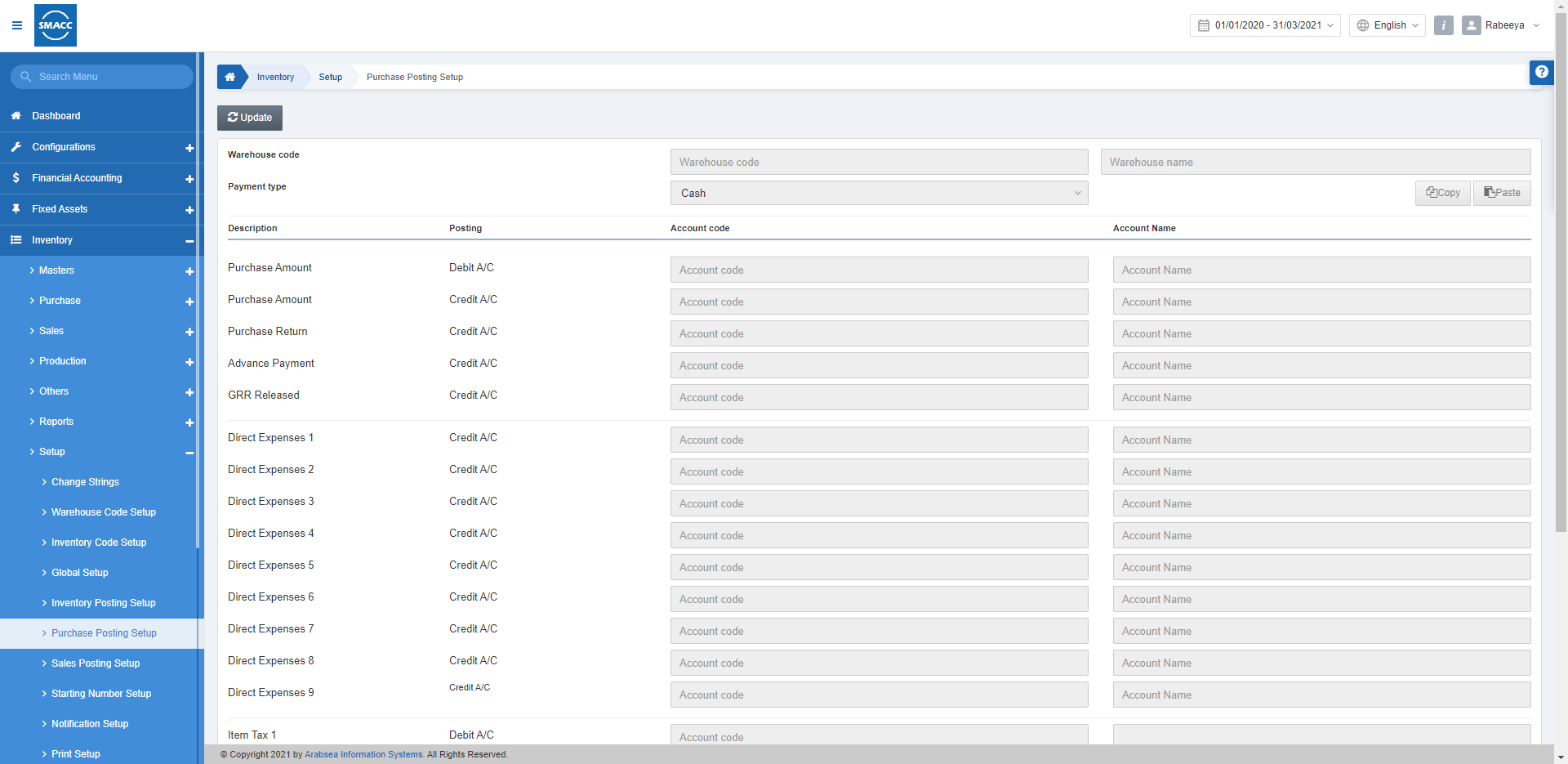
Updating the Purchase Posting Setup
To edit/update the Purchase Posting Setup, go to Inventory > Setup > Purchase Posting Setup, the Purchase posting setup page is displayed.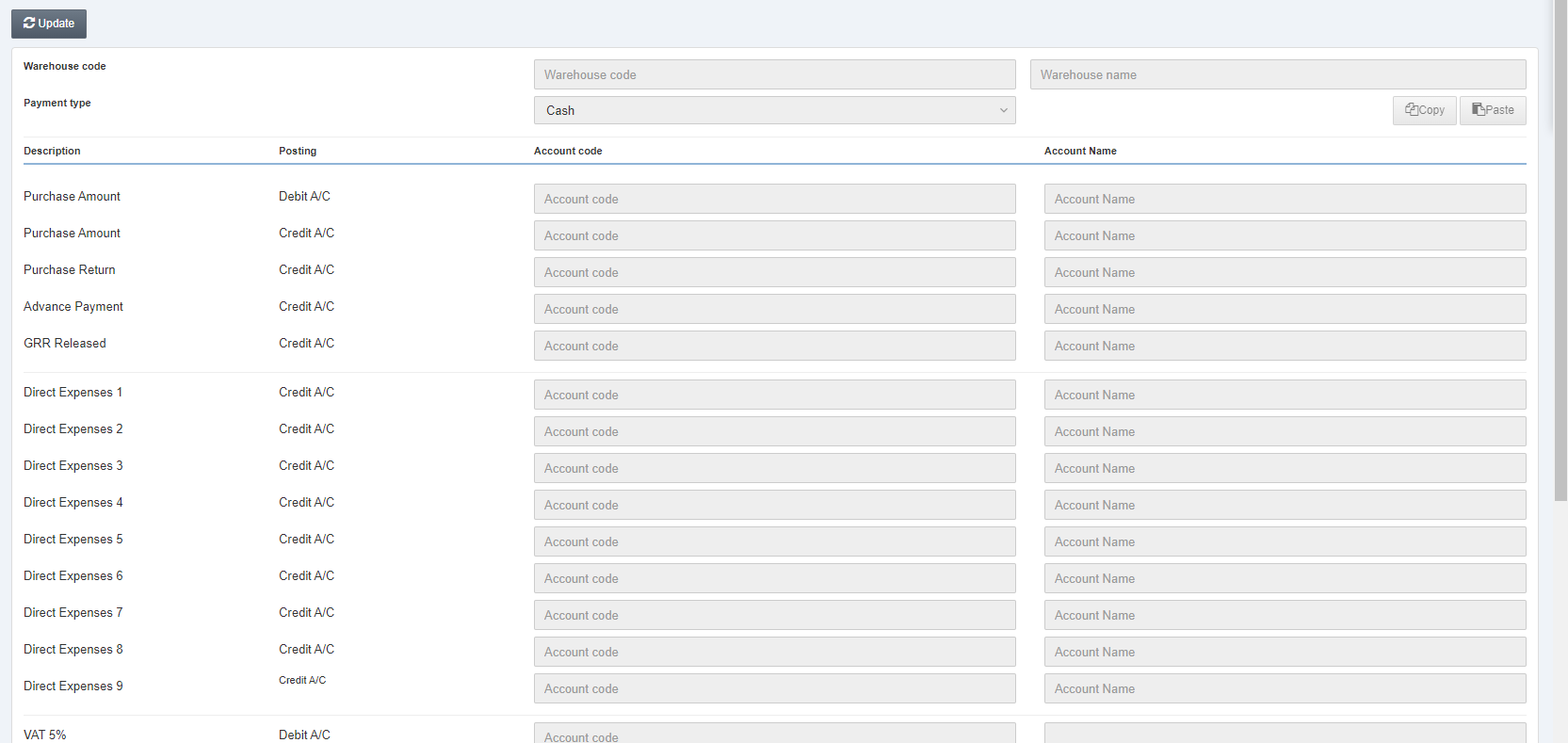 Click on the Update button at the top of the page.
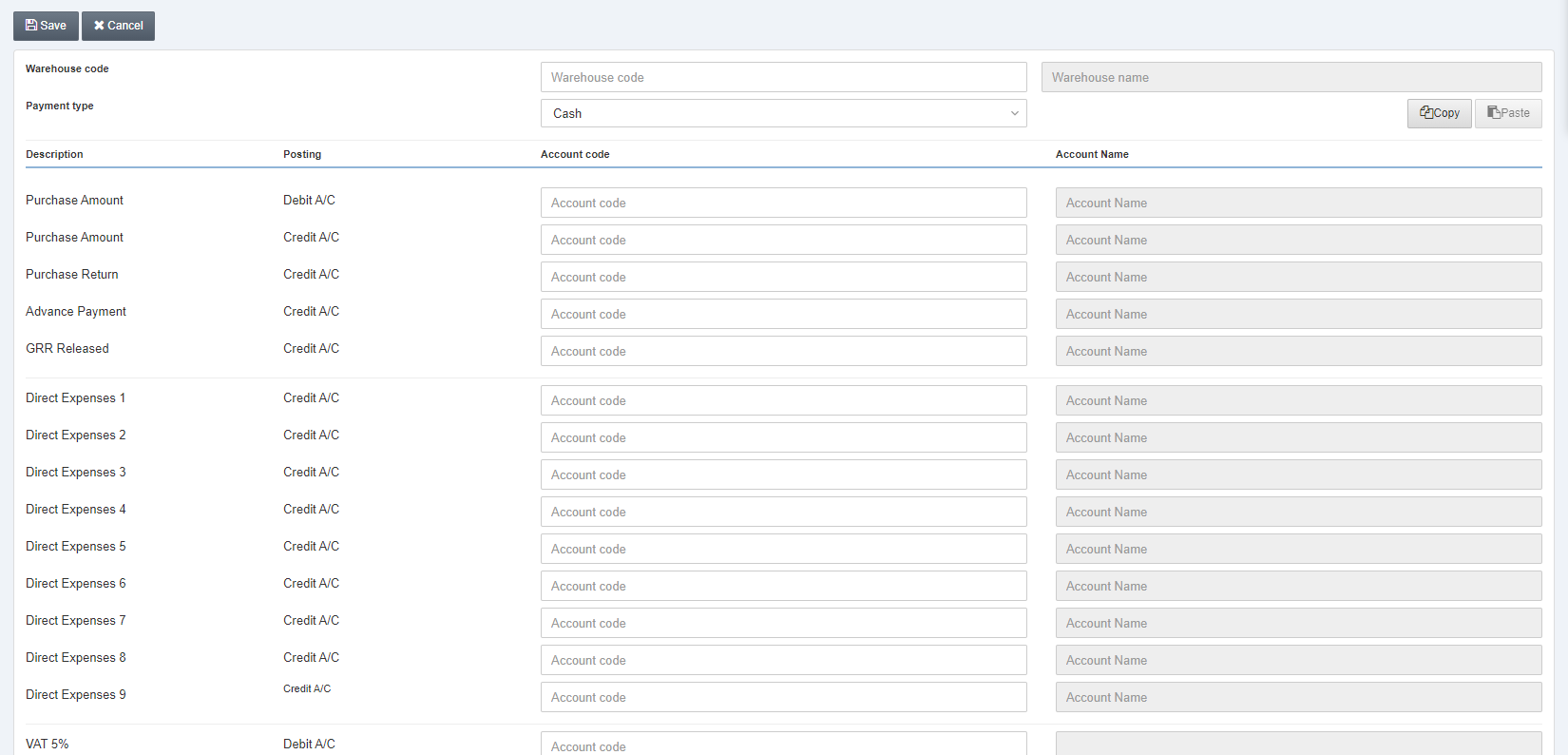 Warehouse Code: This field allows the selection of the warehouse code from the drop-down list.
Warehouse Name: The adjacent field shows the warehouse name as you have selected above.
Payment Type: Select all the fields one by one to set their purchase posting setups.
Warehouse Code: This field allows the selection of the warehouse code from the drop-down list.
Warehouse Name: The adjacent field shows the warehouse name as you have selected above.
Payment Type: Select all the fields one by one to set their purchase posting setups.
 Cash: It shows the cash payment.
Credit: It shows the credit payment.
Bank: It shows the bank payment.
Type 4: It shows the credit card payment.
Type 5: It shows the card payment.
Note: You can make the changes in your Account codes by clicking on the field and selecting from the drop-down lists.
Click on the Save button to save the information.
Cash: It shows the cash payment.
Credit: It shows the credit payment.
Bank: It shows the bank payment.
Type 4: It shows the credit card payment.
Type 5: It shows the card payment.
Note: You can make the changes in your Account codes by clicking on the field and selecting from the drop-down lists.
Click on the Save button to save the information.
 Copy Button: This button is used for copying all the accounts' settings.
Paste Button: This button is used for pasting all the account settings.
Note: The main purpose of the Copy Paste buttons is to save your time as you can easily copy and paste your account settings from one warehouse to the other warehouse, for example, from 0003 to 0004 you can copy and paste the account settings.
Click on the Save button at the top of the page.
Copy Button: This button is used for copying all the accounts' settings.
Paste Button: This button is used for pasting all the account settings.
Note: The main purpose of the Copy Paste buttons is to save your time as you can easily copy and paste your account settings from one warehouse to the other warehouse, for example, from 0003 to 0004 you can copy and paste the account settings.
Click on the Save button at the top of the page.Was this article helpful?
Start with SMACC today
Try free for 14 days — no credit card, no commitment.