
Loyalty Customers Upload
The loyalty customer upload page allows the uploading of the list of loyalty customers through an excel file.
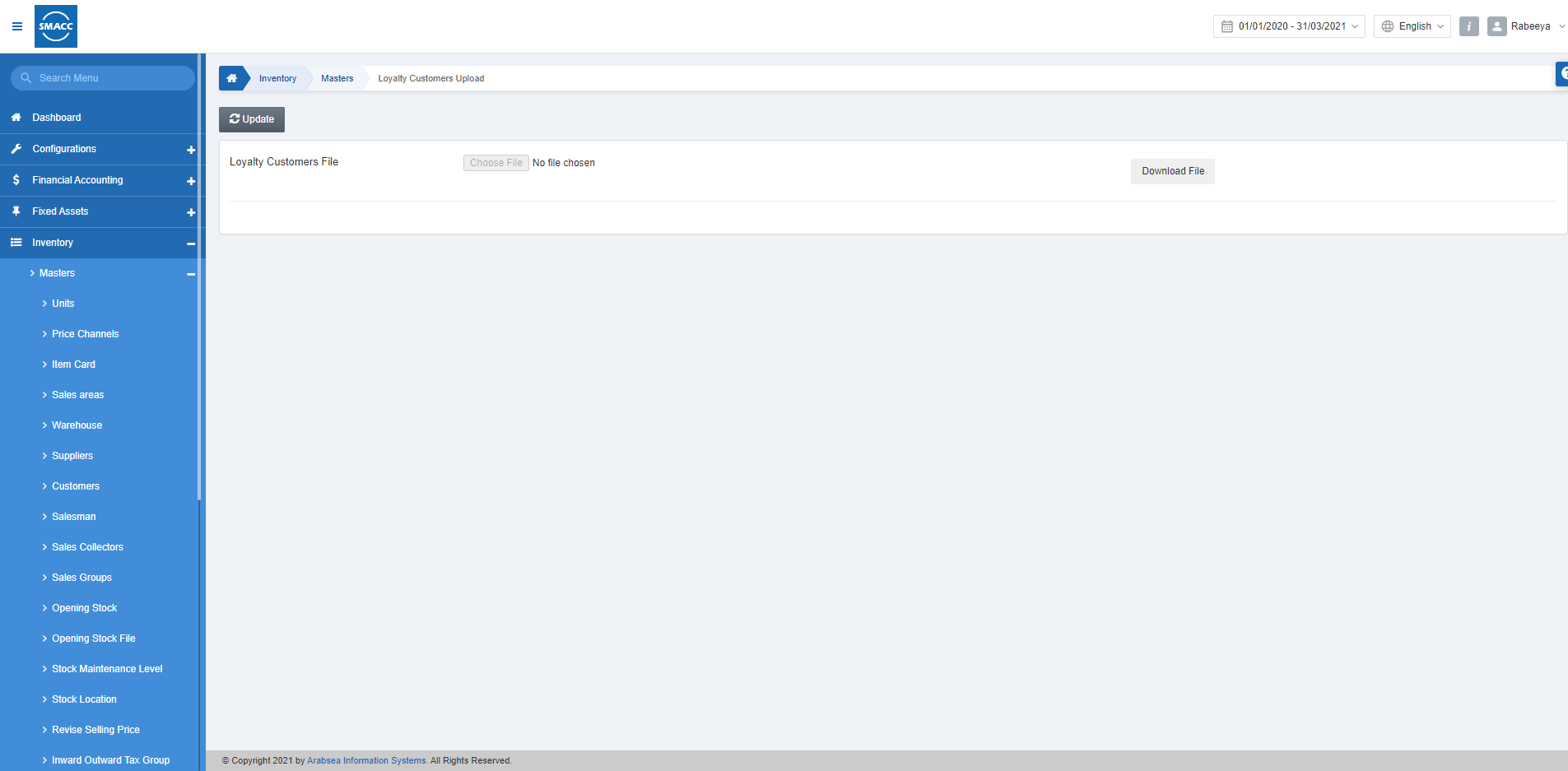
Updating the Loyalty Customers
To update the loyalty customers, go to Inventory > Masters > Loyalty Customer Upload, the loyalty customer upload page is displayed. Click on the Update button.
 First, click on the Download File button.
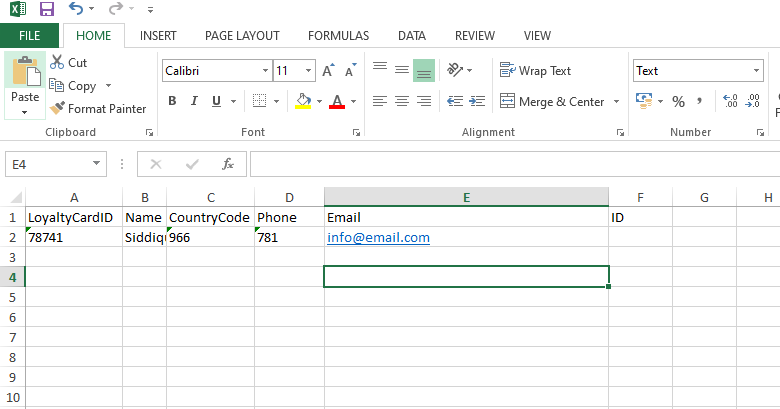 Edit/Update the Sample Excel sheet format.
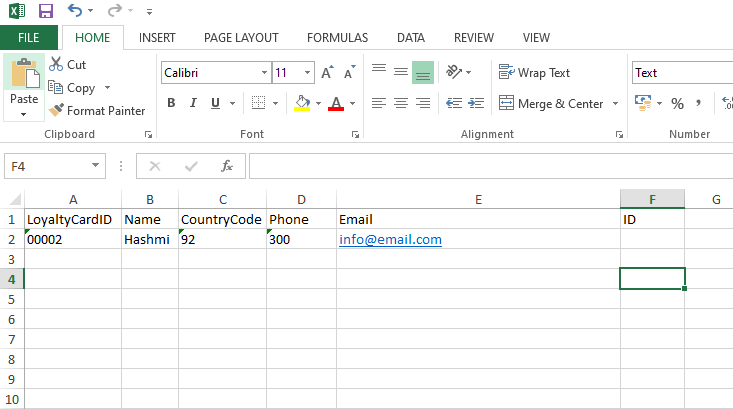
 Click on the Choose File button.
 Click on the Save button.
Was this article helpful?
Start with SMACC today
Try free for 14 days — no credit card, no commitment.