
Current Stock Report
The current stock report allows you to view the report of the current stock in all warehouses of the inventory.
Viewing the Current Stock Report
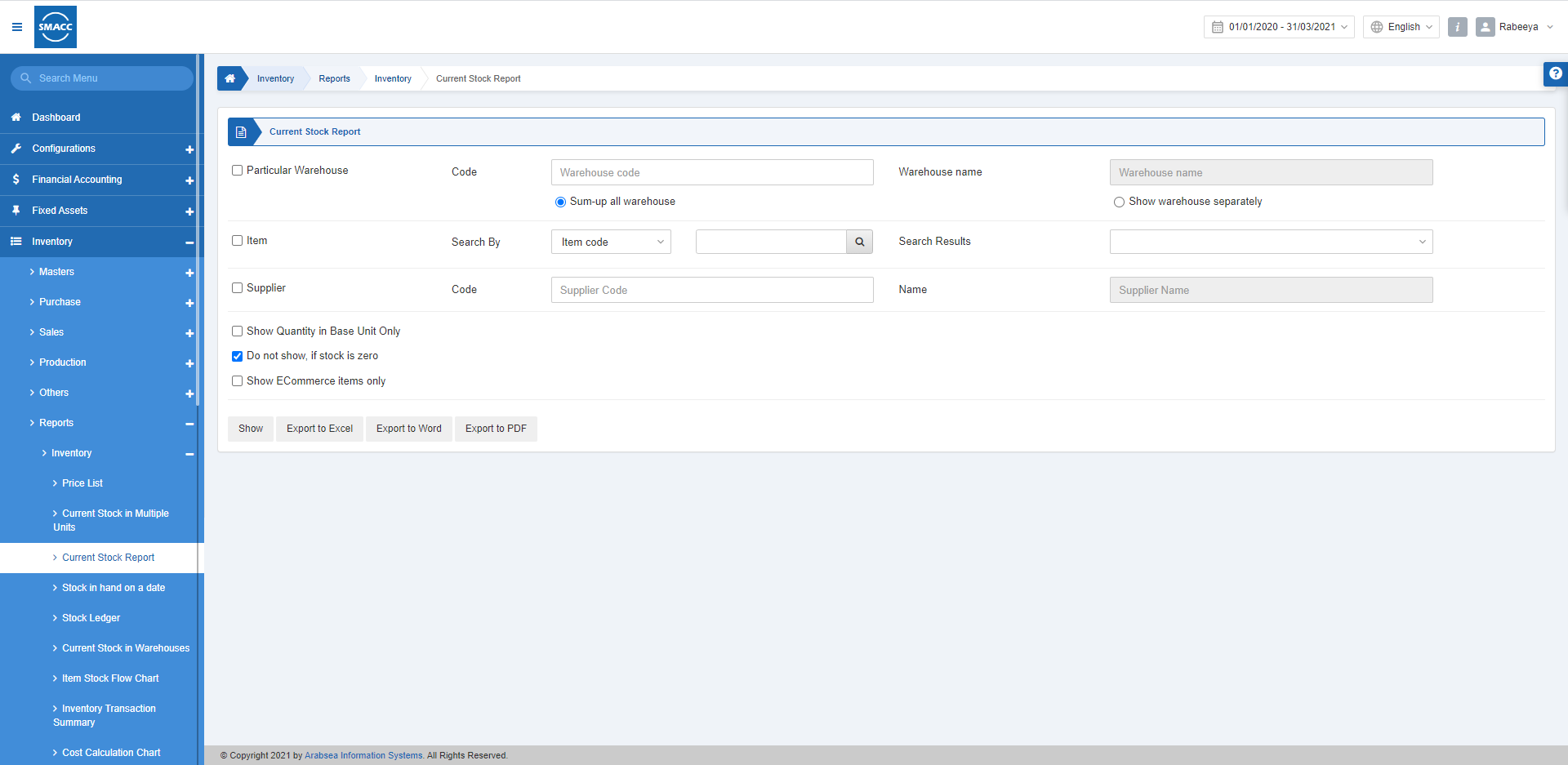
To view the current stock report, go to Inventory > Reports > Inventory > Current Stock Report, the current stock report page is displayed.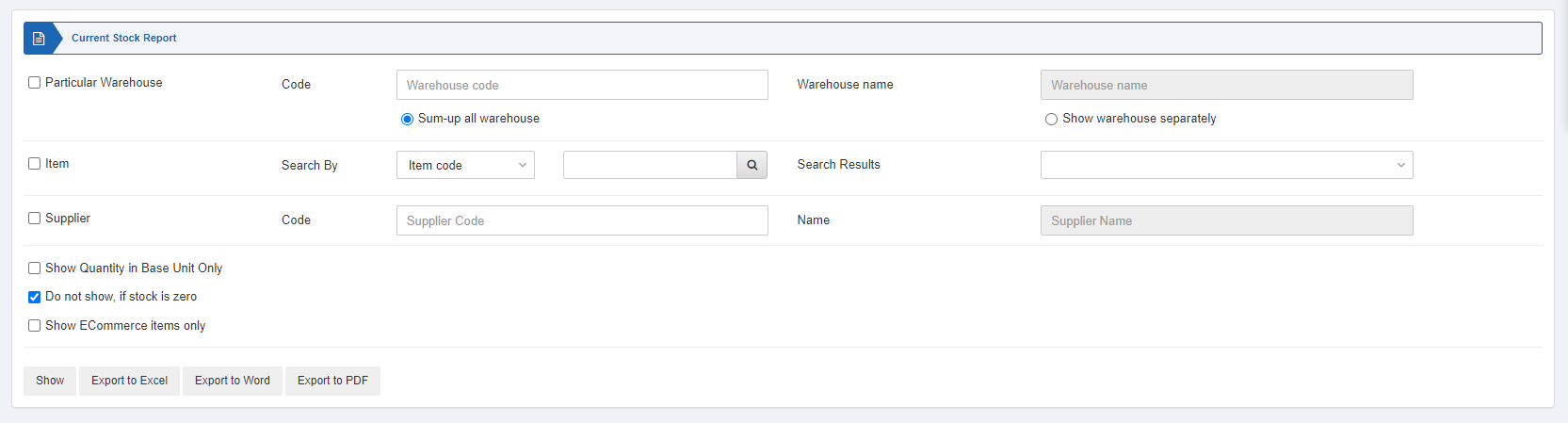
 Particular Warehouse: This checkbox is checked to choose a particular warehouse filter.
Code: This field allows the selection of the warehouse code from the drop-down list.
Warehouse Name: This field is auto-fetched by the system based on the warehouse code.
 Sum-up All Warehouse: Select this radio button to show the report of all warehouses together.
Show Warehouse Separately: Select this radio button to show the report of warehouses separately.
 Item: This checkbox is checked to show the report with an item-wise filter.
 Supplier: This checkbox is checked to show the report with a supplier-wise filter.
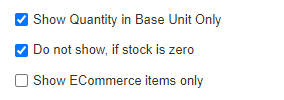 Show Quantity in Base Unit Only: This checkbox when checked allows the report to be shown with the number of items in the base unit only.
Do not show, if stock is zero: This checkbox when checked does not show any warehouse report if its stock is zero.
Show ECommerce items only: This checkbox when checked shows only the eCommerce items.
 Show: This button represents the report as per the selected filters.
Export to Excel: This button allows the data of the report to be exported to Excel.
Export to Word: This button allows the data of the report to be exported to Word.
Export to PDF: This button allows the data of the report to be exported to PDF.
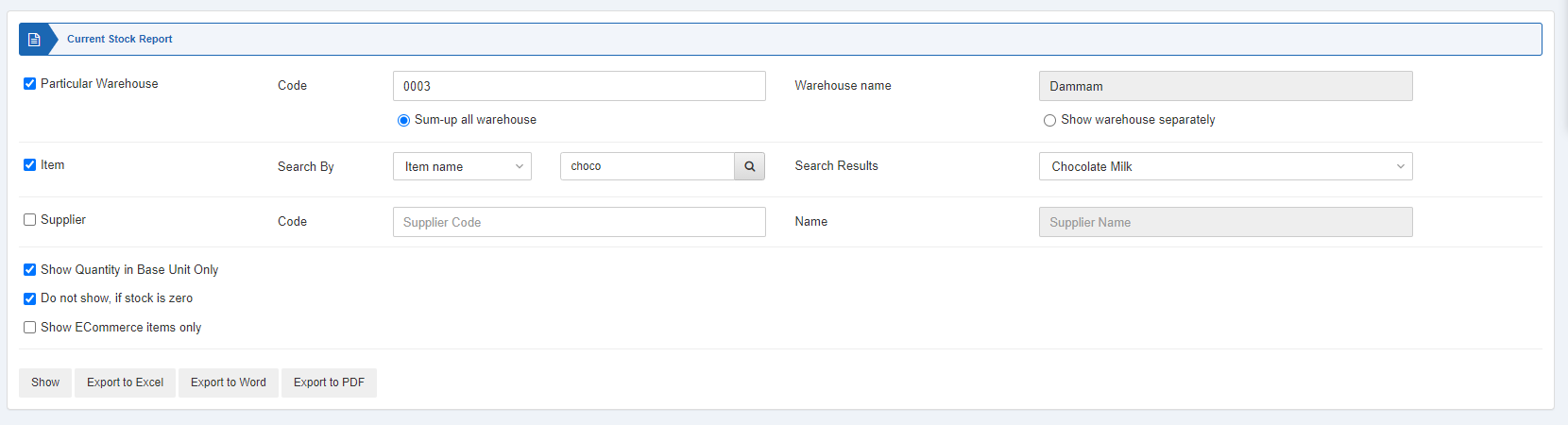 Click on the Show button to view the report.
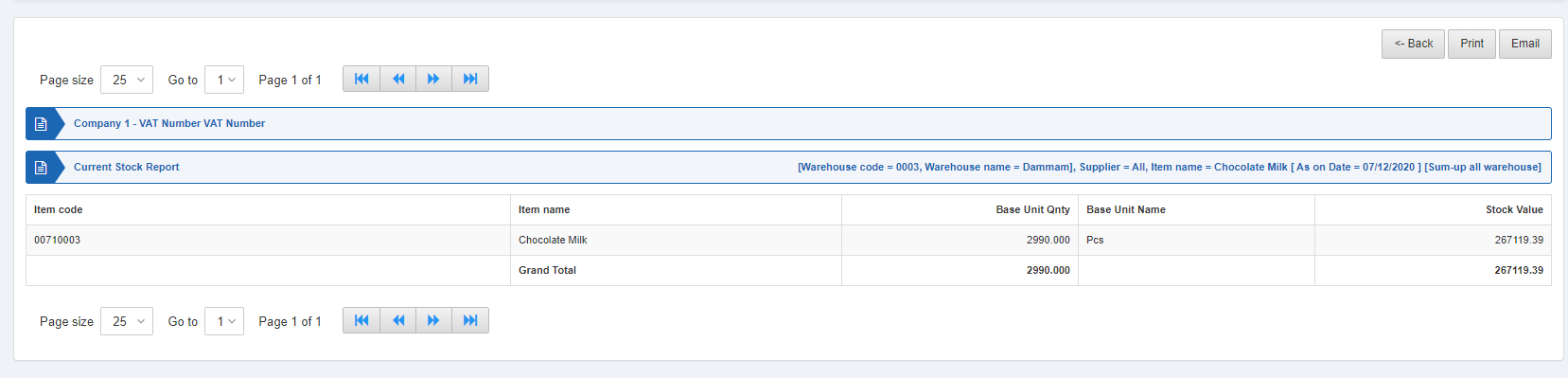 Also, there are navigation buttons for the page view.
 Page Size: You can adjust the number of entries per page.
Go to: You can go to the page number you want to view.
 You can go back to the previous page or print or email the report.
Was this article helpful?
Start with SMACC today
Try free for 14 days — no credit card, no commitment.