
إعداد التنبيهات
في إعداد التنبيهات، يمكنك تحديد عدد الأيام لكل وصف ترغب به. كما يمكنك تفعيل/إلغاء تفعيل فترات الأيام.
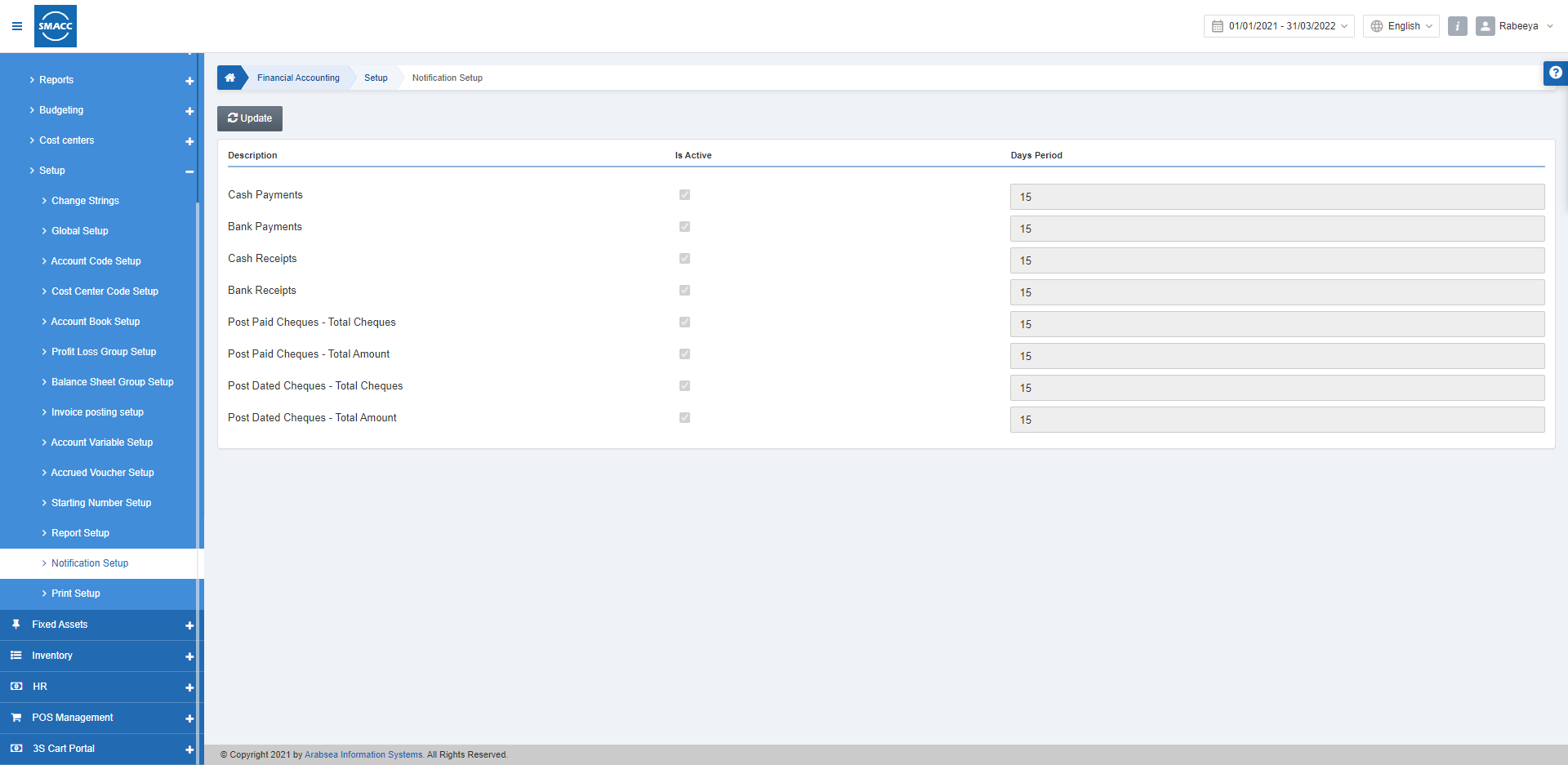
تعديل إعداد التنبيهات
لتعديل إعداد التنبيهات، انتقل إلى المحاسبة المالية > الإعداد والتهيئة > إعداد التنبيهات، فتظهر صفحة إعداد التنبيهات.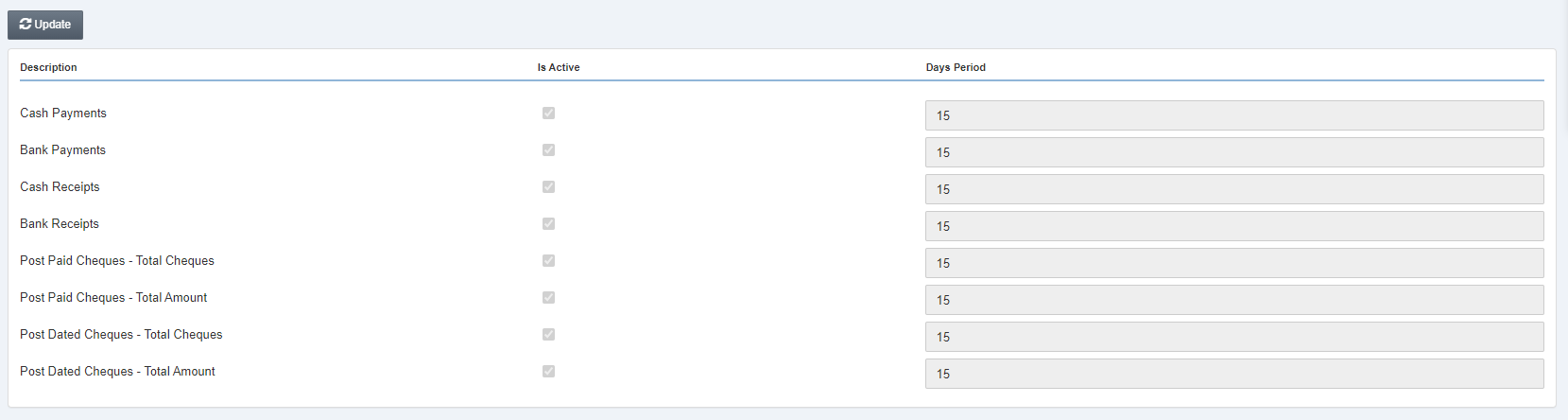 انقر على زر «تعديل» في أعلى الصفحة.
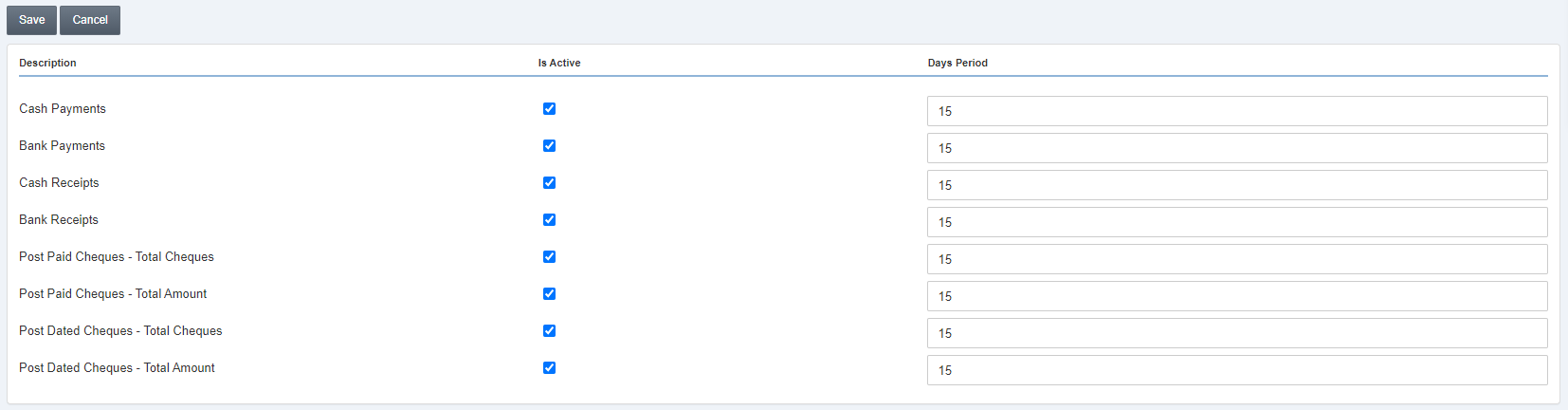 الوصف: ضمن هذا العنوان، تُعرض جميع البنود بدءًا من المدفوعات النقدية وحتى الشيكات الآجلة – المبلغ الإجمالي.
مُفعّل: تتيح لك مربعات الاختيار هذه الموجودة أمام البنود تشغيل وظيفة التنبيهات.
عدد الأيام: في هذه الحقول، يمكنك تحديد الفترة بالأيام لضبط إعداد التنبيهات وفقًا لمتطلباتك.
انقر على زر «حفظ» في أعلى الصفحة.
الوصف: ضمن هذا العنوان، تُعرض جميع البنود بدءًا من المدفوعات النقدية وحتى الشيكات الآجلة – المبلغ الإجمالي.
مُفعّل: تتيح لك مربعات الاختيار هذه الموجودة أمام البنود تشغيل وظيفة التنبيهات.
عدد الأيام: في هذه الحقول، يمكنك تحديد الفترة بالأيام لضبط إعداد التنبيهات وفقًا لمتطلباتك.
انقر على زر «حفظ» في أعلى الصفحة.هل كان هذا المقال مفيداً؟
ابدأ مع SMACC اليوم
جرّب مجاناً لمدة 14 يوماً — بدون بطاقة ائتمان وبدون التزام.