
إعداد رمز الحساب
في إعداد رمز الحساب، يمكنك تحديد قيمة الرمز عند المستوى الذي تريده. كما يمكنك تفعيل أو إلغاء تفعيل وضع التوليد التلقائي لرمز الحساب.
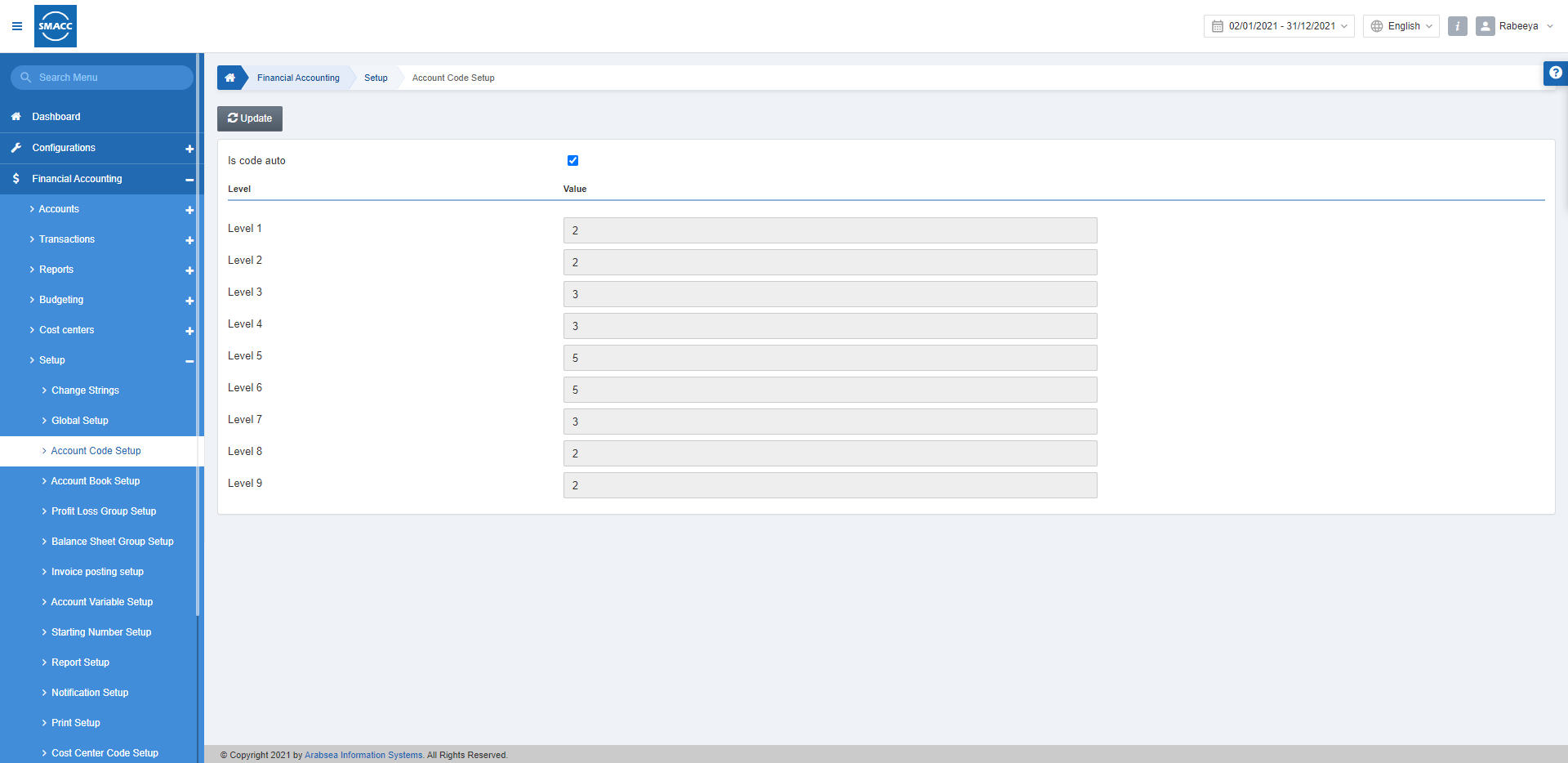
تحديد قيم المستويات في رمز الحساب
لتحديد قيم المستويات، انتقل إلى المحاسبة المالية > الإعداد والتهيئة > إعداد رمز الحساب، فتظهر صفحة إعداد رمز الحساب.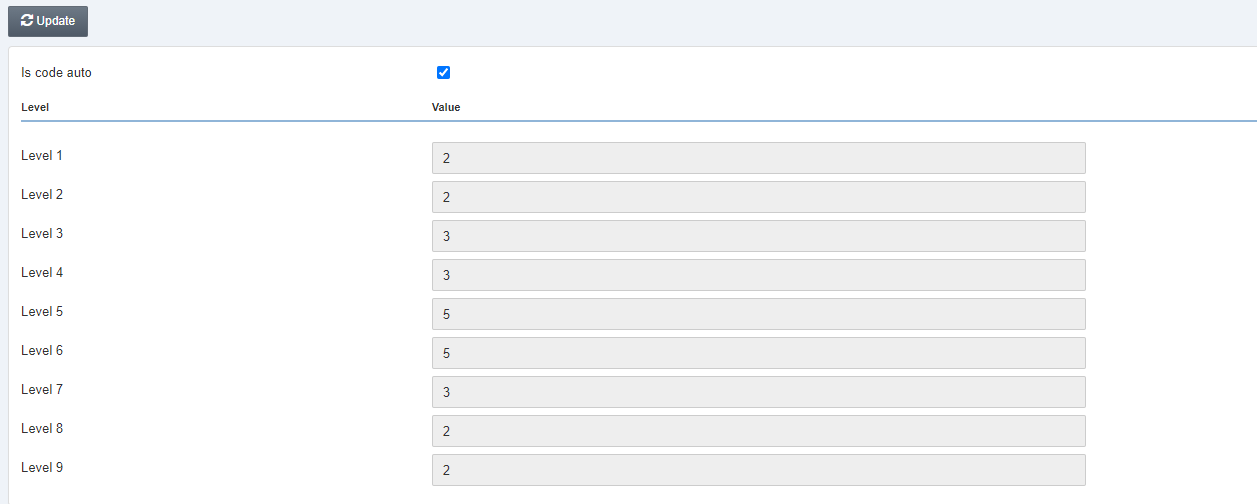 انقر على زر «تعديل» في أعلى الصفحة.
هل الرمز تلقائي: يُحدَّد مربع الاختيار هذا لتفعيل الترميز التلقائي للحسابات. وعند إلغاء تحديده، سيتعين عليك تعريف ترميز الحسابات يدويًا.
القيمة: لتحديد قيمة مستوى الحساب، أدخل القيمة بالأرقام مقابل المستويات على التوالي من المستوى 1 حتى المستوى 9.
انقر على زر «تعديل» في أعلى الصفحة.
هل الرمز تلقائي: يُحدَّد مربع الاختيار هذا لتفعيل الترميز التلقائي للحسابات. وعند إلغاء تحديده، سيتعين عليك تعريف ترميز الحسابات يدويًا.
القيمة: لتحديد قيمة مستوى الحساب، أدخل القيمة بالأرقام مقابل المستويات على التوالي من المستوى 1 حتى المستوى 9.
 انقر على زر «حفظ» لحفظ المعلومات.
إذا كان رمز الحساب مستخدمًا بالفعل في شاشة أسماء الحسابات، فستظهر رسالة "يمكن التعديل عندما تكون شاشة أسماء الحسابات فارغة" في أعلى صفحة إعداد رمز الحساب.
ملاحظة: لا يمكنك تعديل أو تحديث إعداد رمز الحساب إلا عندما تكون شاشة أسماء الحسابات فارغة.
انقر على زر «حفظ» لحفظ المعلومات.
إذا كان رمز الحساب مستخدمًا بالفعل في شاشة أسماء الحسابات، فستظهر رسالة "يمكن التعديل عندما تكون شاشة أسماء الحسابات فارغة" في أعلى صفحة إعداد رمز الحساب.
ملاحظة: لا يمكنك تعديل أو تحديث إعداد رمز الحساب إلا عندما تكون شاشة أسماء الحسابات فارغة.هل كان هذا المقال مفيداً؟
ابدأ مع SMACC اليوم
جرّب مجاناً لمدة 14 يوماً — بدون بطاقة ائتمان وبدون التزام.