
Vacation Calculator
In vacation calculator, you can search vacation calculator information of the employees with in required date. You can send vacation calculator information into excel, word and pdf formats.
Viewing Vacation calculator Reports.
To view “Vacation calculator Reports”, click on the “HR”, then “Reports”, then click “Vacation calculator”. Vacation calculator page will be displayed.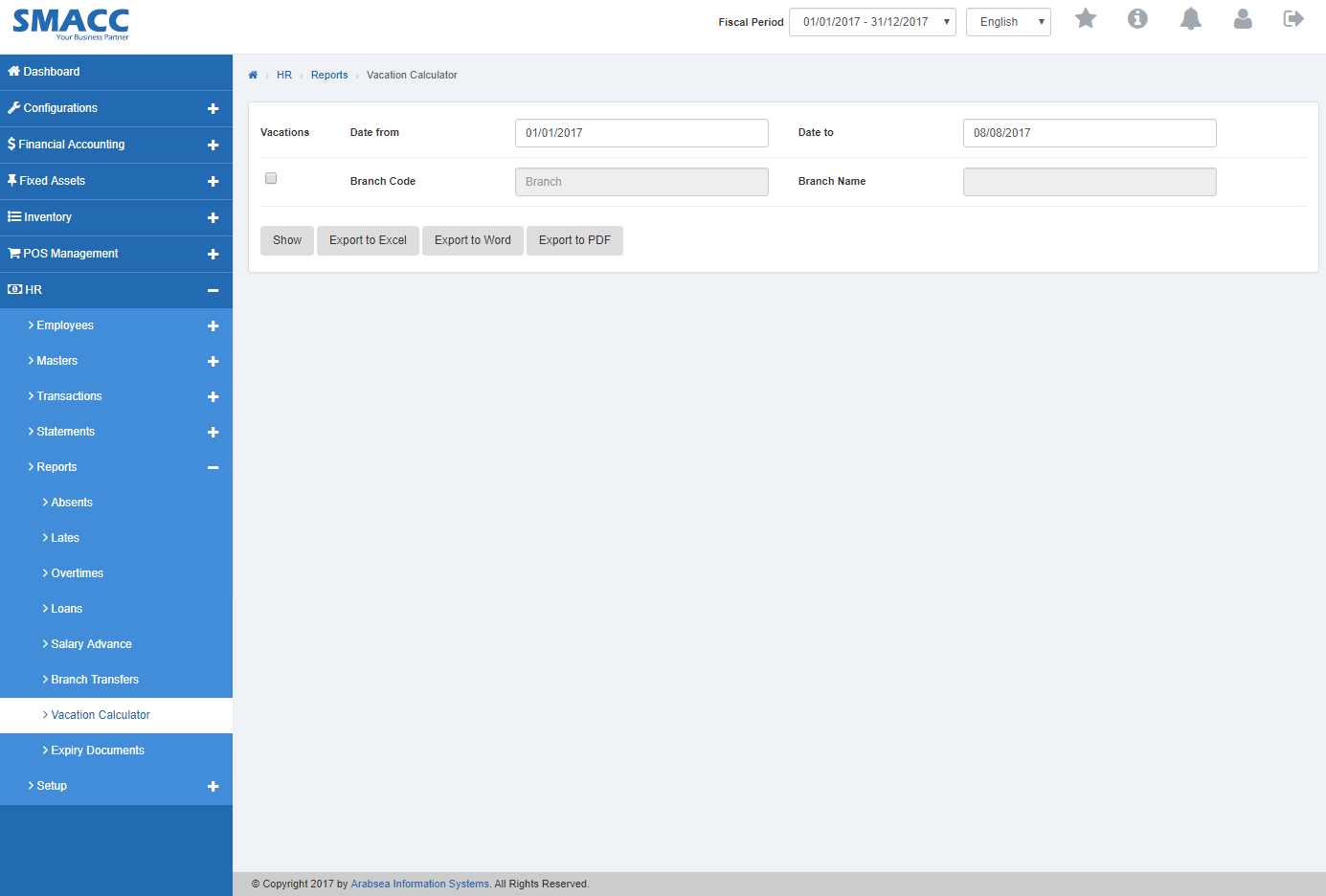
- Enter starting date in “Date from” input box then enter ending date in “Date to” input box.

- Enter branch code or click in “Branch Code” input box then branch code list will be drop down. Select your desired branch code then selected branch name will be appeared in “Branch Name” input box.

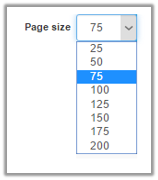
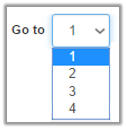
- You can select page size by clicking on “Page size” checkbox then page size list will be appeared. Select the page size. If you want to select desired page number then click on “Navigation” button or click in “Go to” checkbox then page list will appear. Select the page number.

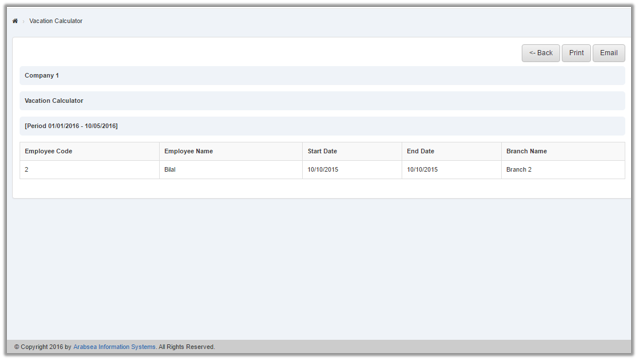
- If you want to print the page then select your desired page and click on “Print” button on top of on the top of Vacation calculator page then prompt box will be appeared.
 Click “Yes” button to print the information.
- If you want to send information through email then click on “Email” button then email confirmation massage will be appeared on the top of Vacation calculator page.
Export Branch Transfer to Excel.
To “Export Branch Transfer to Excel”, click on the “HR”, then “Reports”, then click “Vacation calculator”. Vacation calculator page will be displayed.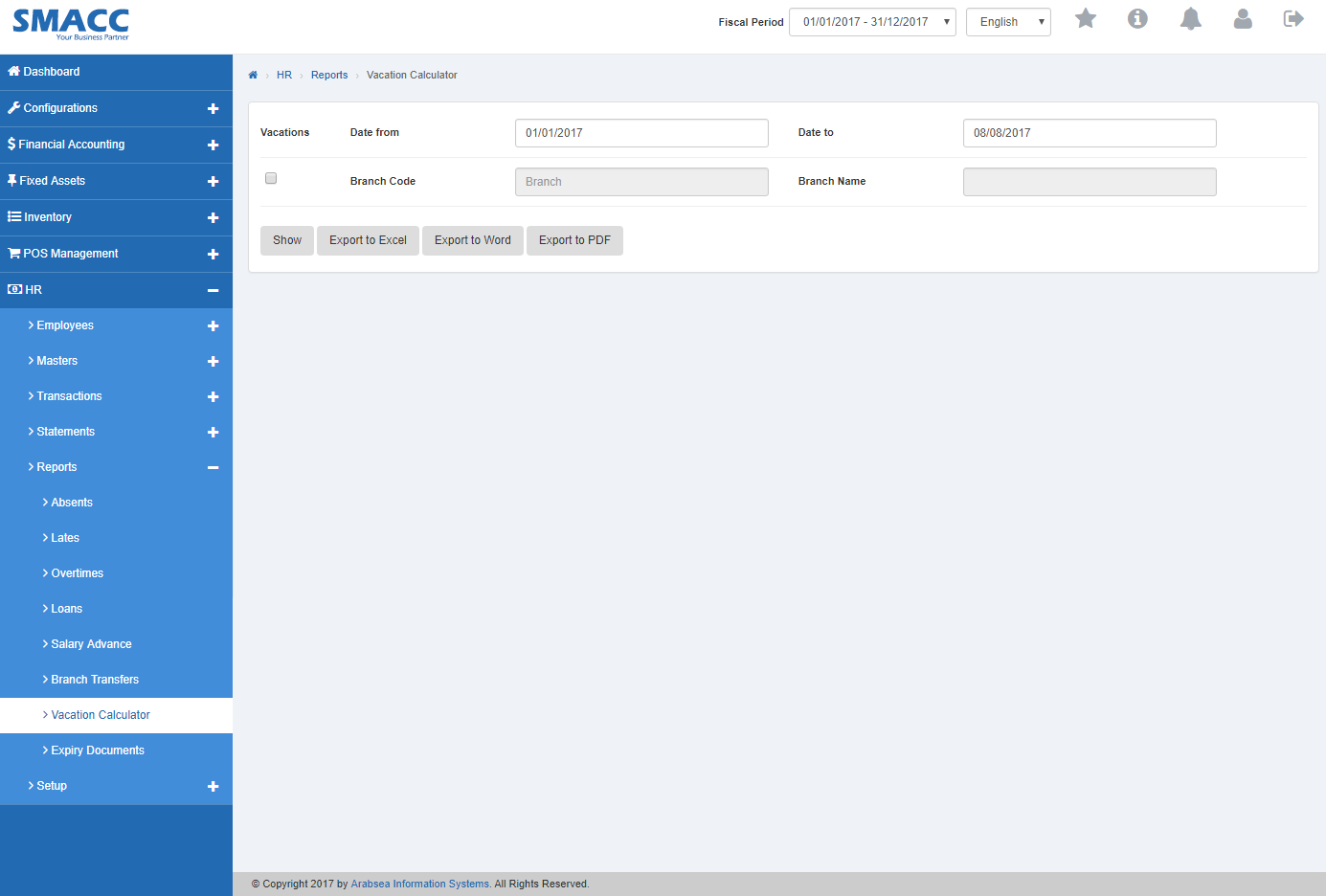
- Enter starting date in “Date from” input box then enter ending date in “Date to” input box.

- Enter branch code or click in “Branch Code” input box then branch code list will be drop down. Select your desired branch code then selected branch name will be appeared in “Branch Name” input box.

- Click “Export to Excel” button then it will download Vacation calculator report in Excel format. Click in the massage box on the bottom corner of the page.
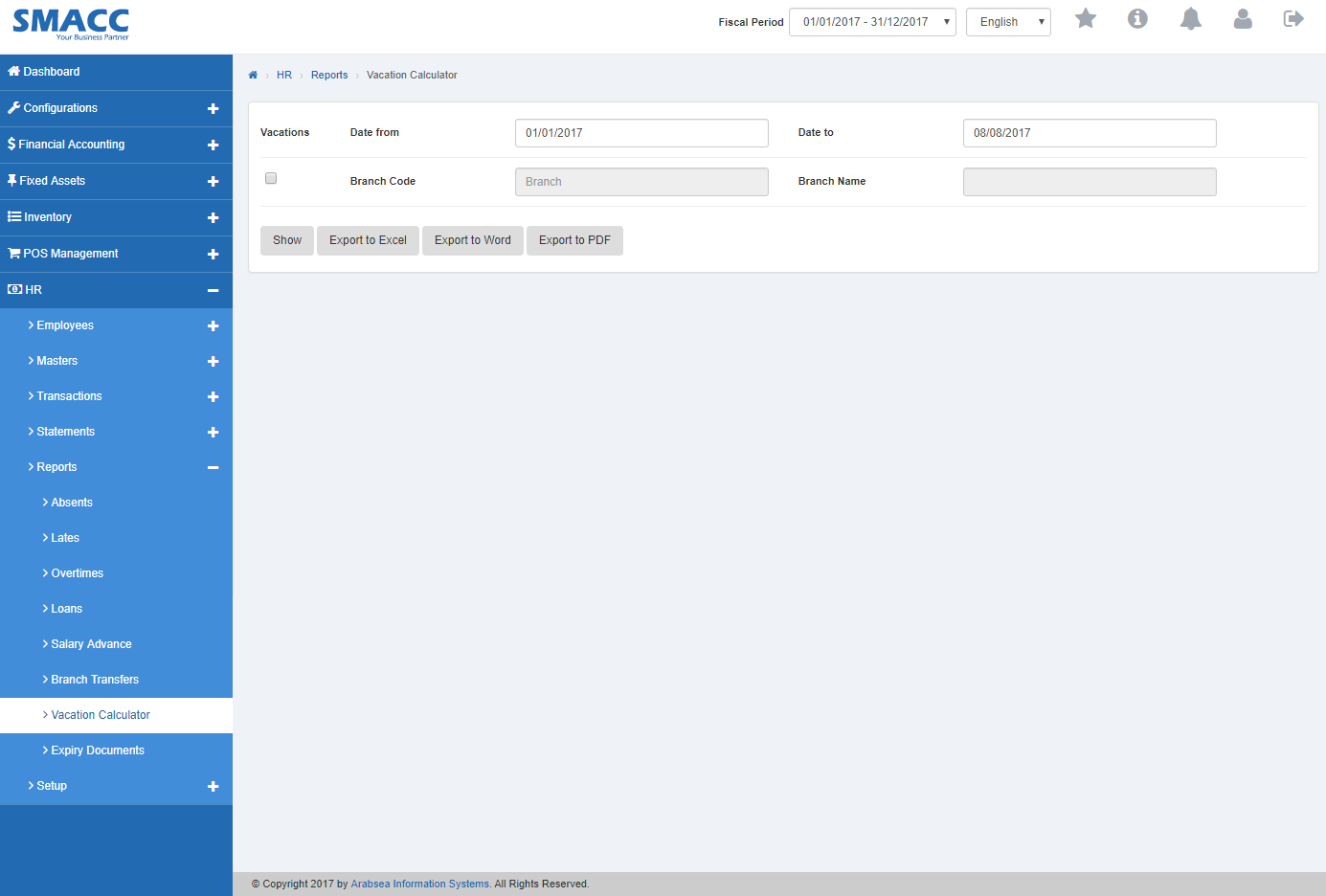 It will display branch transfer statement in Excel format.
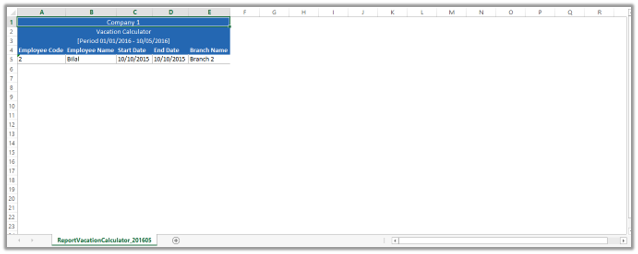
Export Vacation calculator to Word.
To “Export Vacation calculator to Word”, click on the “HR”, then “Reports”, then click “Vacation calculator”. Vacation calculator page will be displayed.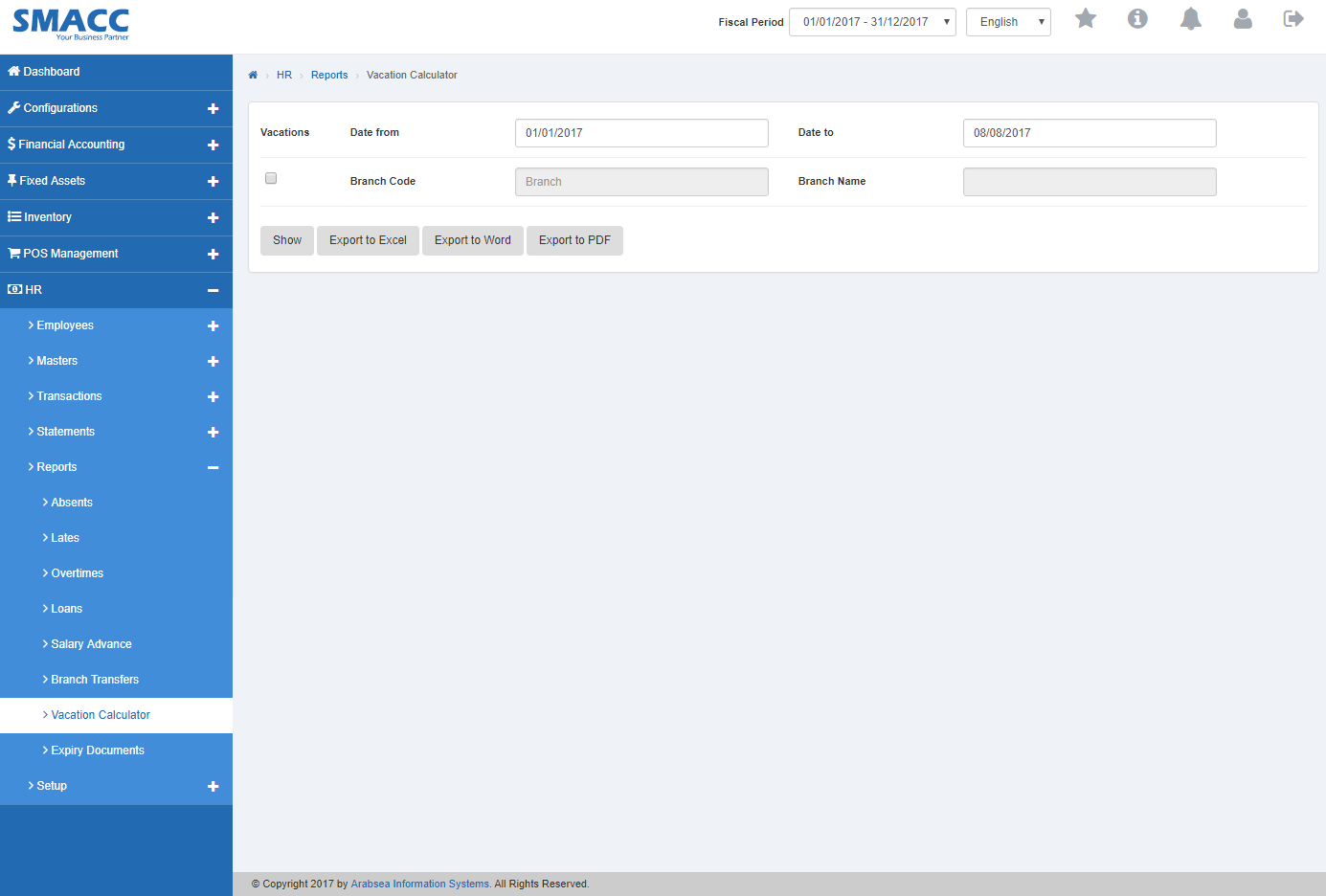
- Enter starting date in “Date from” input box then enter ending date in “Date to” input box.

- Enter branch code or click in “Branch Code” input box then branch code list will be drop down. Select your desired branch code then selected branch name will be appeared in “Branch Name” input box.

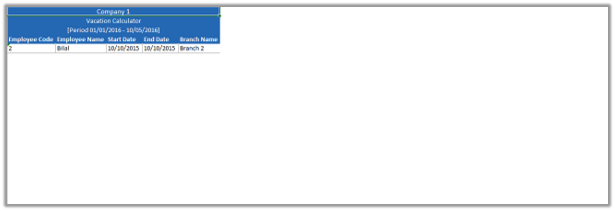
- Click “Export to Word” button then it will download Vacation calculator report in Word format. Click in the massage box on the bottom corner of the page.
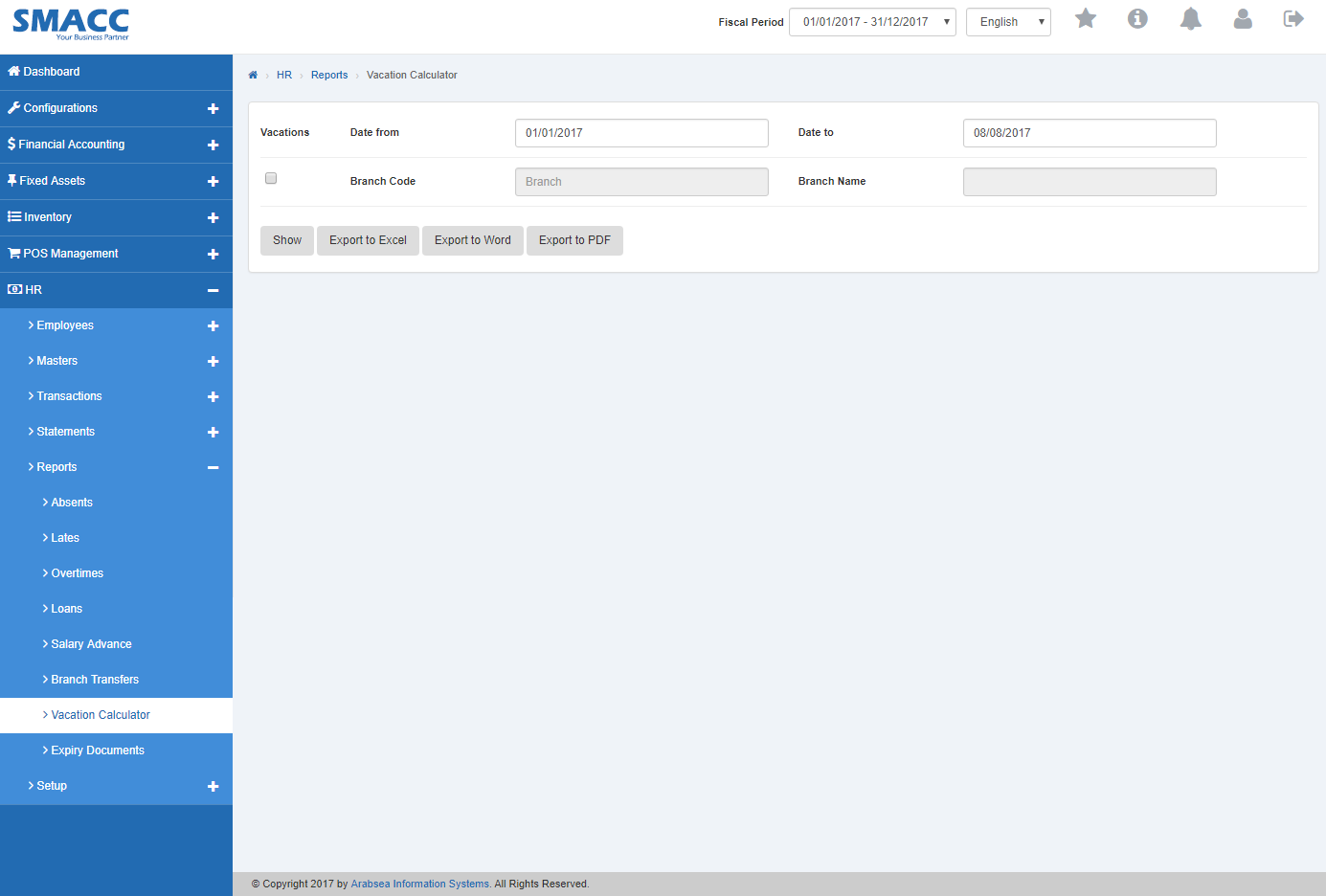 It will display Vacation calculator statement in Word format.
Export Vacation calculator Statement to PDF.
To “Export Vacation calculator Statement to PDF”, click on the “HR”, then “Reports”, then click “Vacation calculator”. Vacation calculator page will be displayed.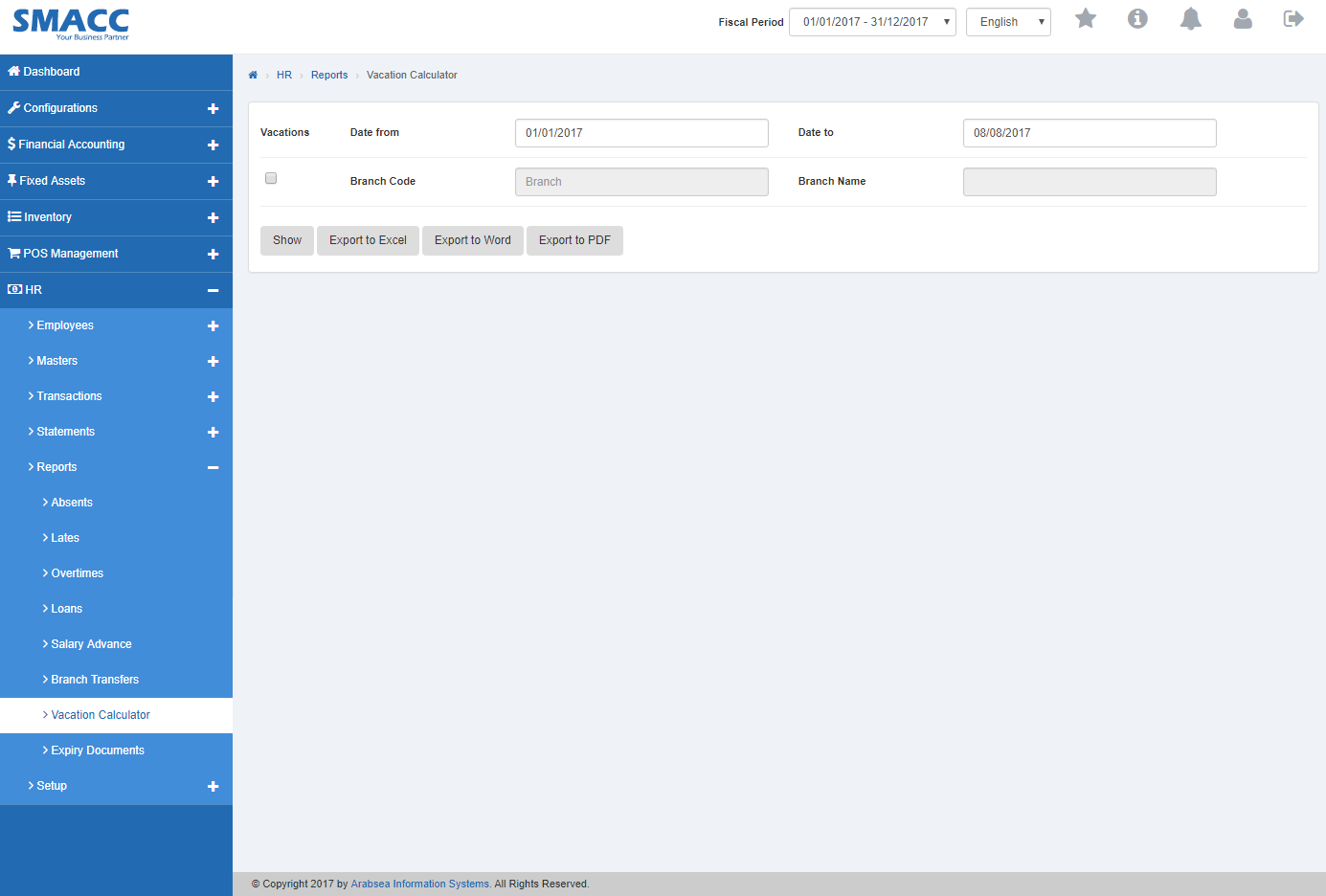
- Enter starting date in “Date from” input box then enter ending date in “Date to” input box.

- Enter branch code or click in “Branch Code” input box then branch code list will be drop down. Select your desired branch code then selected branch name will be appeared in “Branch Name” input box.

- Click “Export to PDF” button then it will download Vacation calculator report in PDF format. Click in the massage box on the bottom corner of the page.
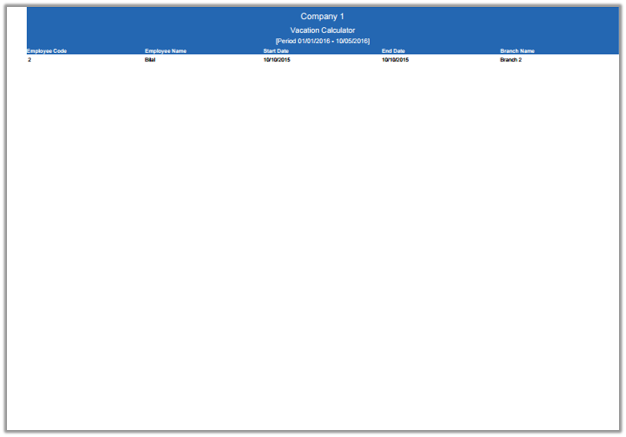
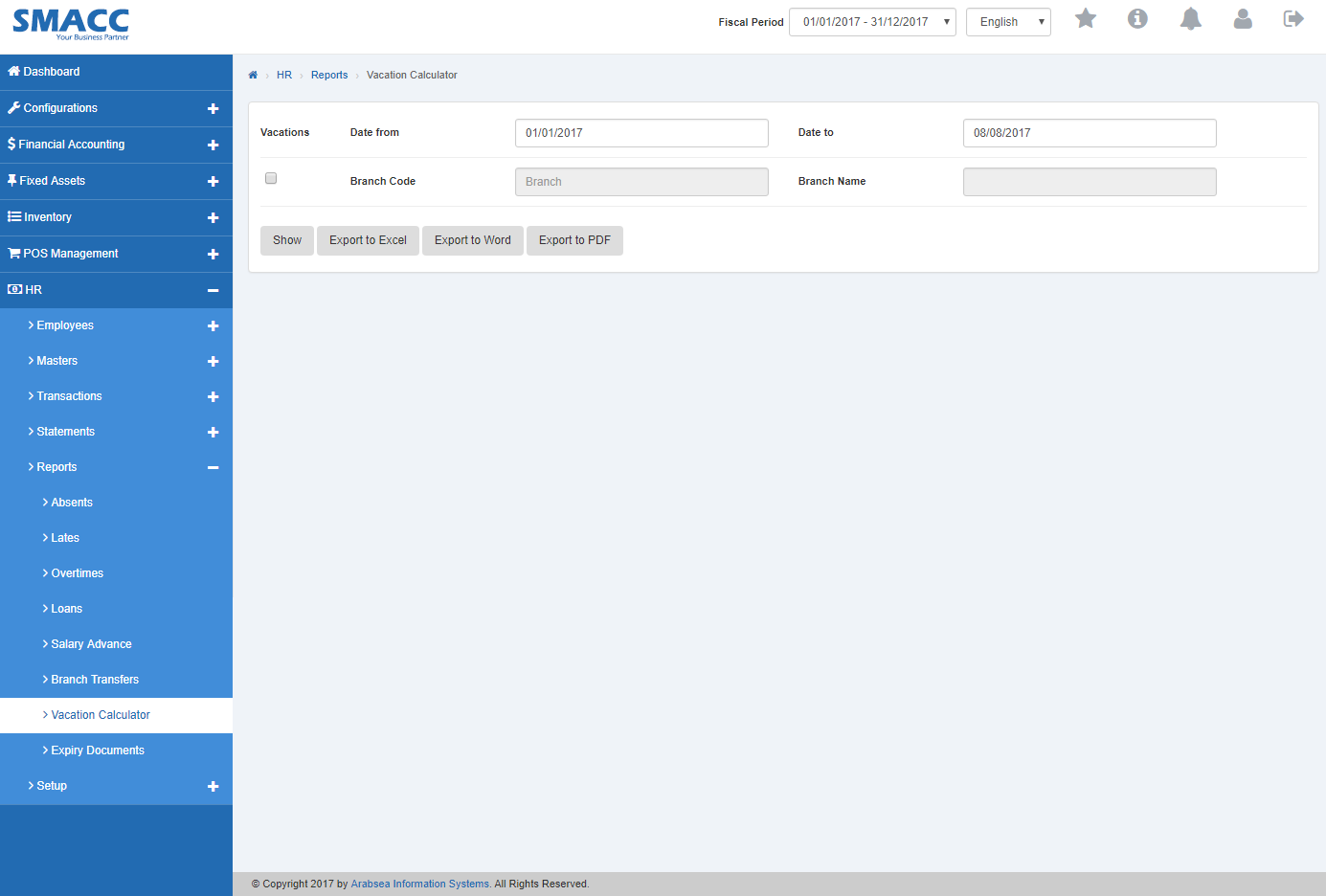 It will display Vacation calculator statement in PDF format.
Was this article helpful?
Start with SMACC today
Try free for 14 days — no credit card, no commitment.