
Document Types
In document types. You can add new document information of employees and can update and delete the information.
Adding New Document Types in HR
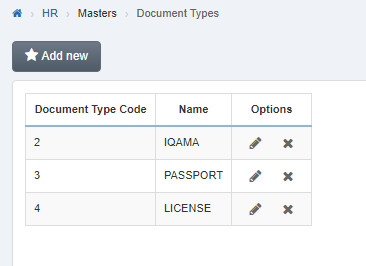
To add new "Document Types in HR”, click on the “HR”, then “Masters”, then click “Document Types”. Document types page will be displayed.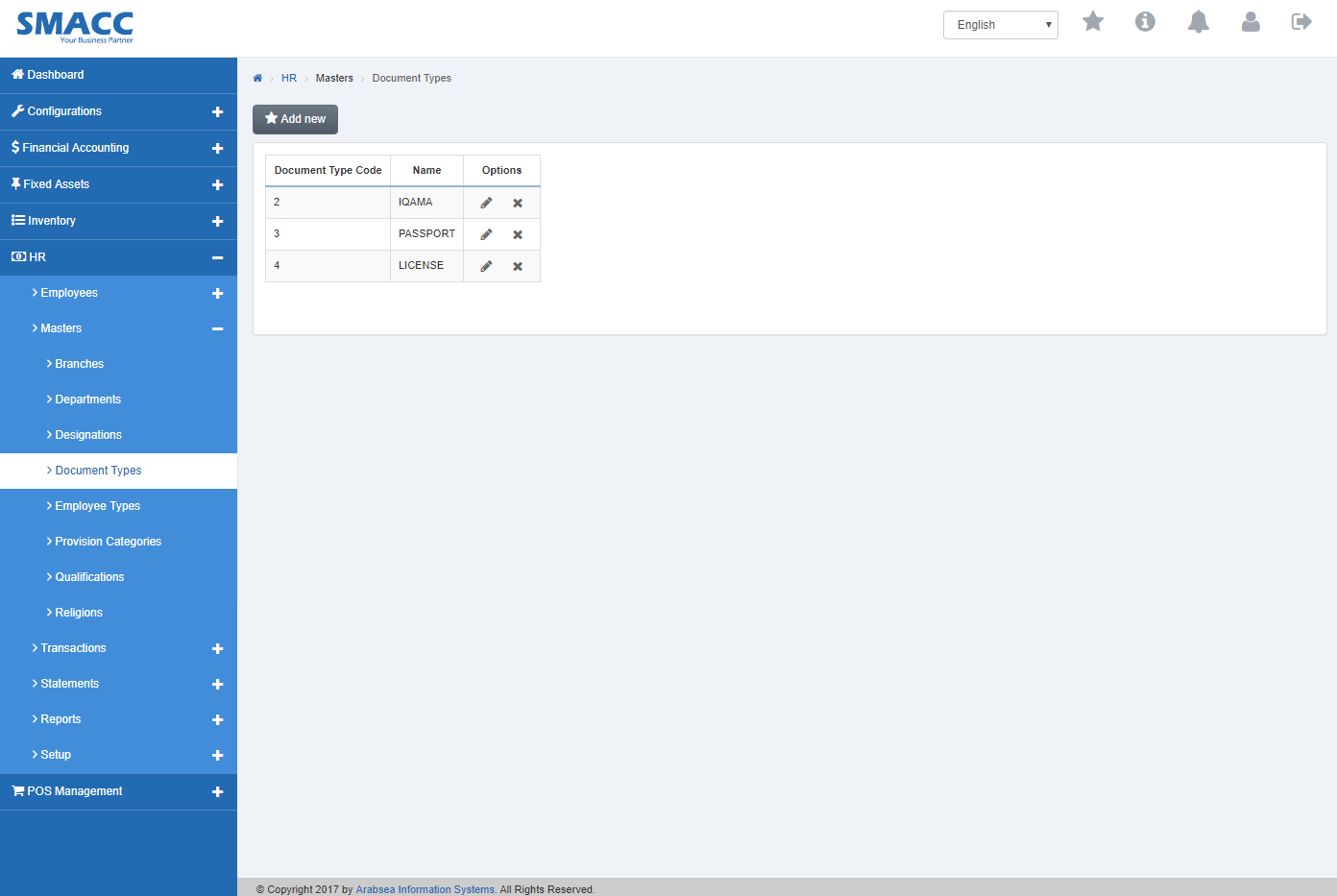 Click the “Add new” button on documents page then pop-up will be appeared.
 Enter document name in “Name” input box.
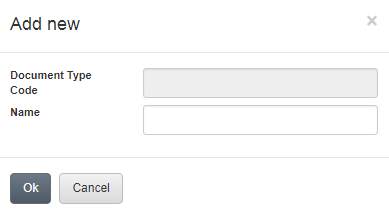 Click “OK” button then document type code will be systematically generated and will be appeared in the grid in documents page.
Deleting Document Types in HR.
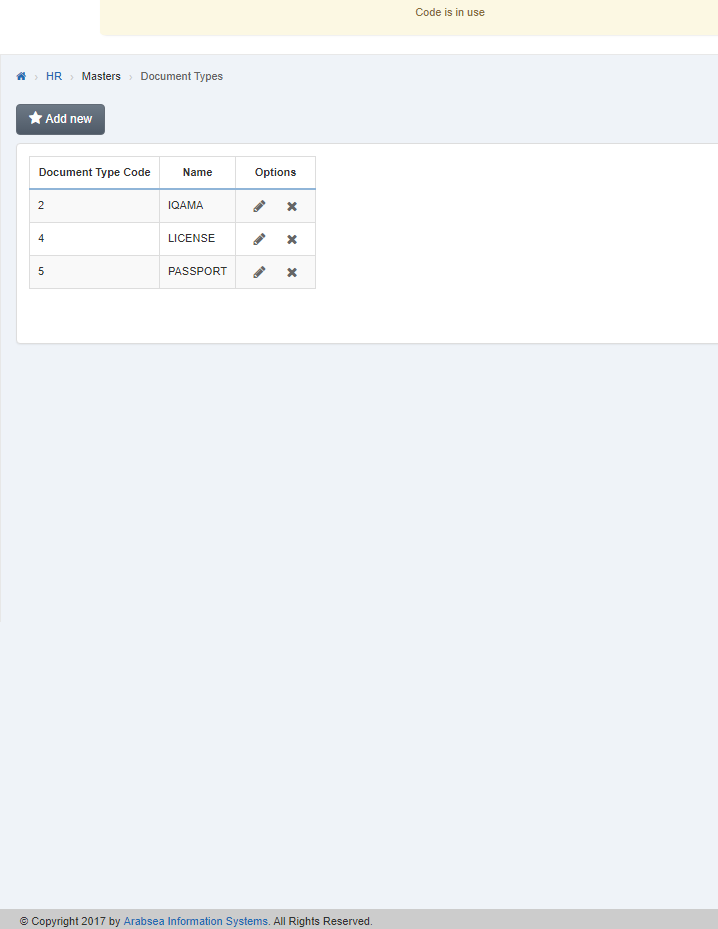
To delete “Document Types in HR”, click on the “HR”, then “Masters”, then click “Document Types”. Document types page will be displayed.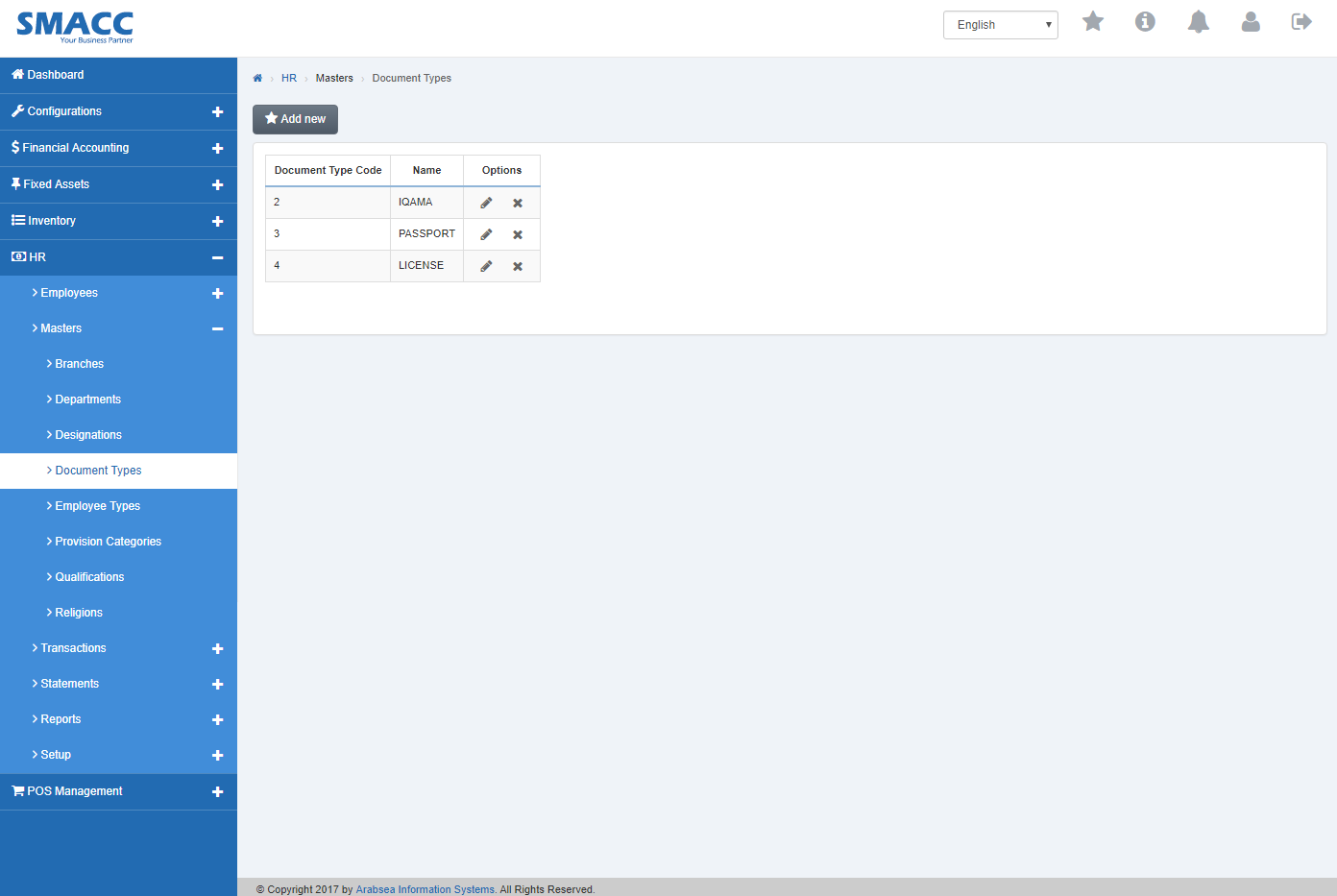 Click the “Delete” Icon in column “Options” in the grid on Document types page. If selected code which you want to delete is in use then message bar will be appeared on the top of page and it will not delete the code.
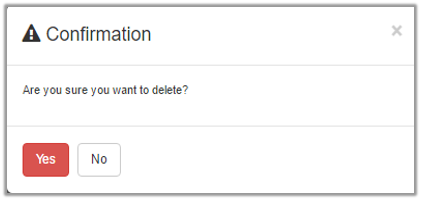
 If selected code is not in use then a prompt box will be appeared.
Edit Document Types.
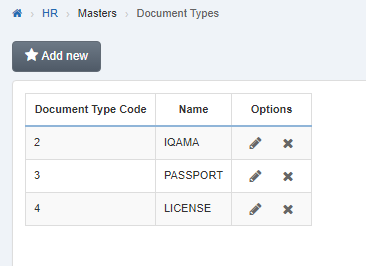
To edit “Document Types”, click on the “HR”, then “Masters”, then click “Document Types”. Document types page will be displayed.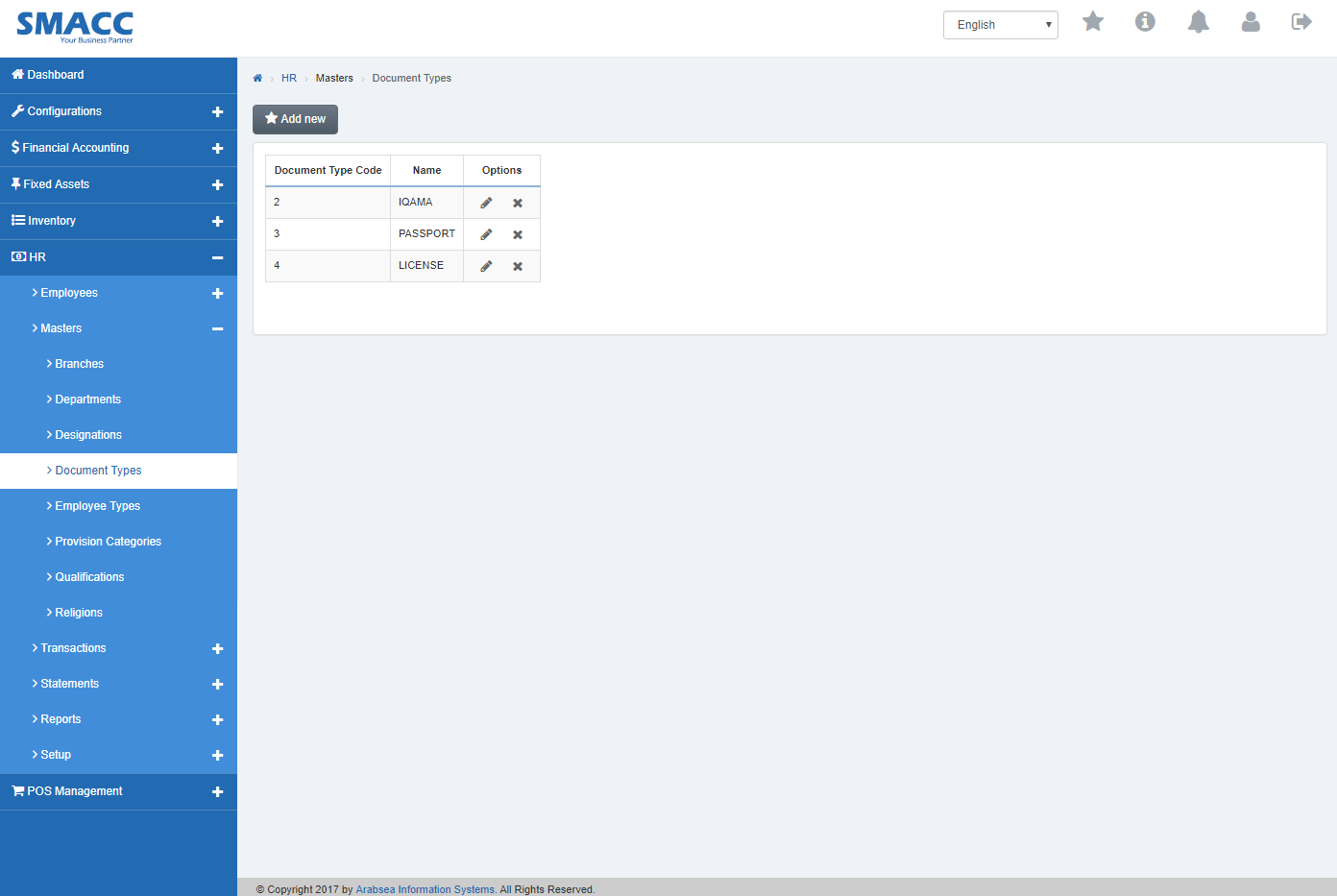 Click the “Edit” Icon in column “Options” in the grid on Document types page.
 A prompt box will be displayed.
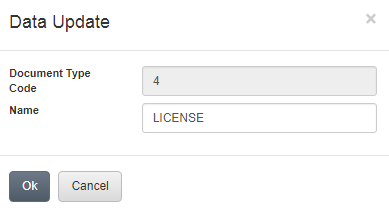 Edit Document types name in “Name” input box. Click “OK” button then branch name will be appeared in the grid in Document types page.
Was this article helpful?
Start with SMACC today
Try free for 14 days — no credit card, no commitment.