
Notification Setup
Update / Edit “Notification Setup” in HR
Click on the “HR”, in the main menu then “Setup”, then click on “Notification Setup” menu. Notification Setup page will be displayed.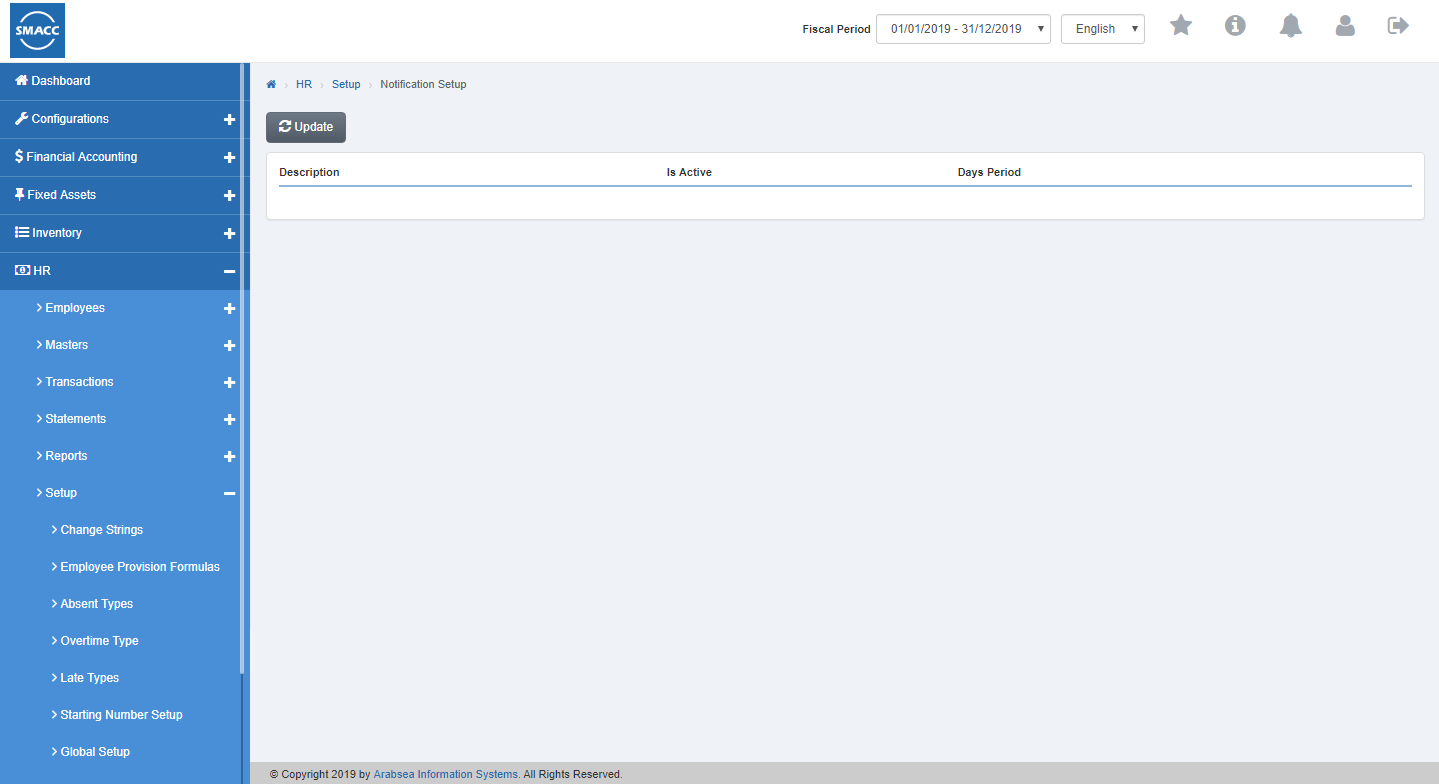 If you need to perform any Update or Edit operation in notification setup information then click on “Update” button.
 The detail of specific notification setup will be shown in the pop-up.
 Make your desired changes in “Update Data”. After making all the changes click on “Save” button and your information will be saved. Confirmation message will be displayed on the page.
Was this article helpful?
Start with SMACC today
Try free for 14 days — no credit card, no commitment.