
Transaction Viewer
In transaction viewer, you can view and print your desired transaction.
Print the Transactions Viewer In Financial Accounting
Click on the “Financial Accounting”, then “Transaction”, then click “Transaction Viewer”. Transaction Viewer page will be displayed.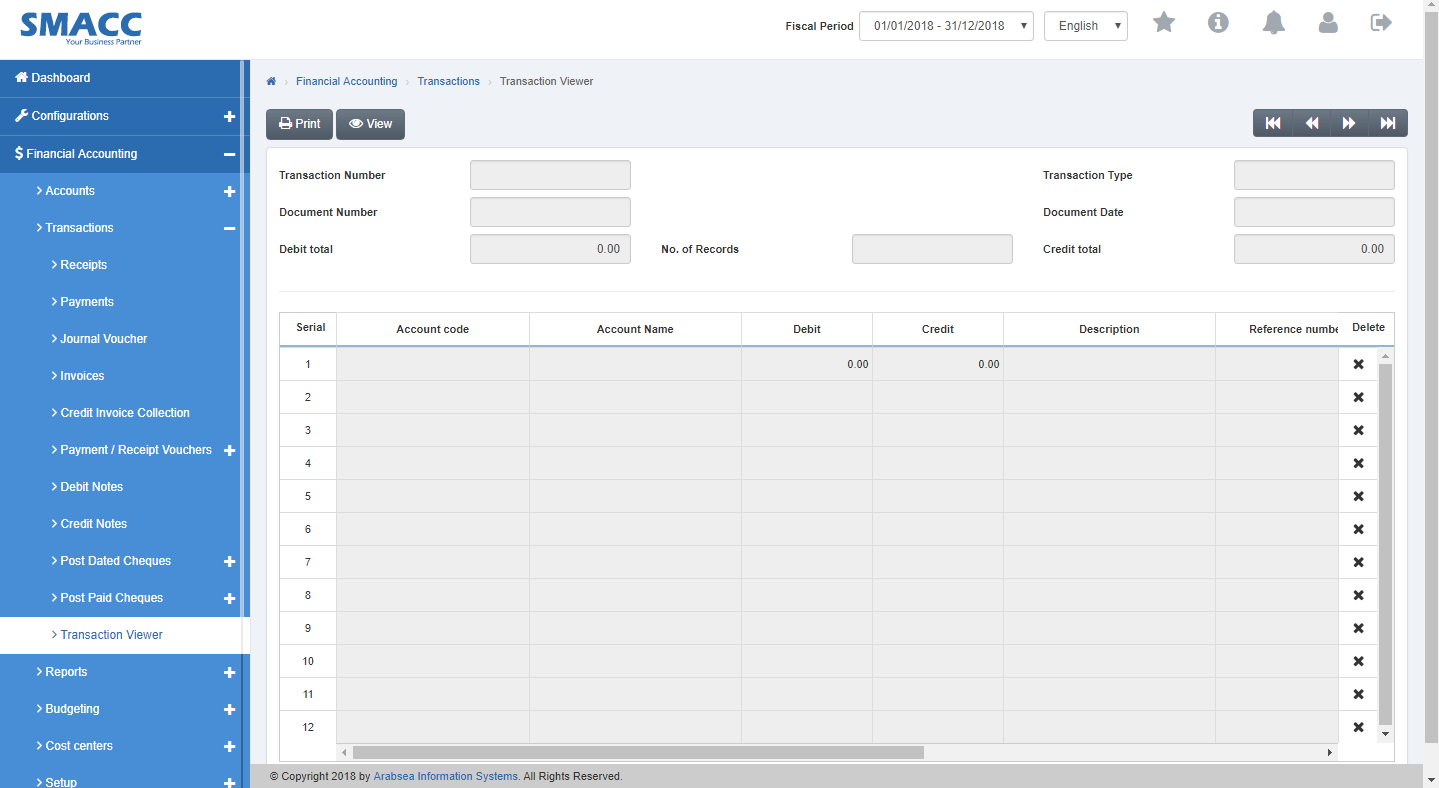 Click on “Print” button in transaction viewer page.
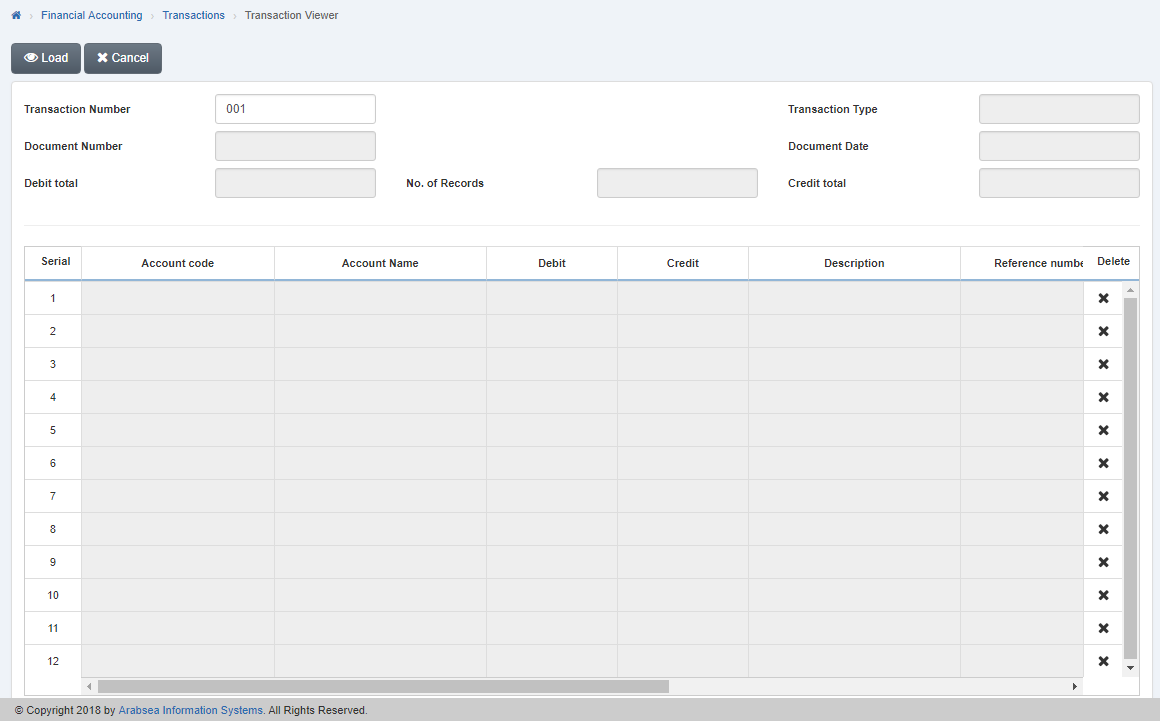 Enter transaction number in “Transaction Number” input box in transaction viewer page. (You can also select the required transaction viewer by using “Navigation “Button). Click on “Load” Button and it will display the required transaction viewer.
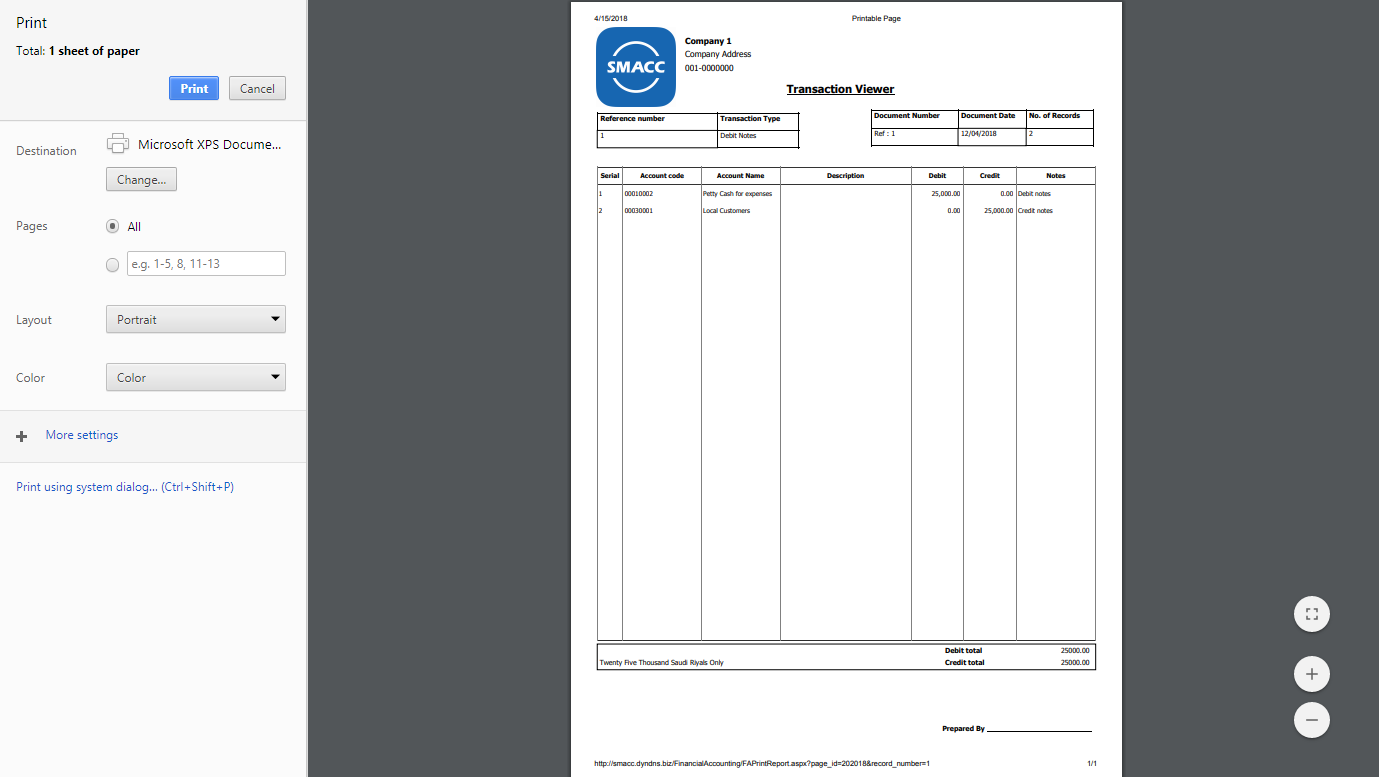 Click on “Print” Button and print the transaction viewer.
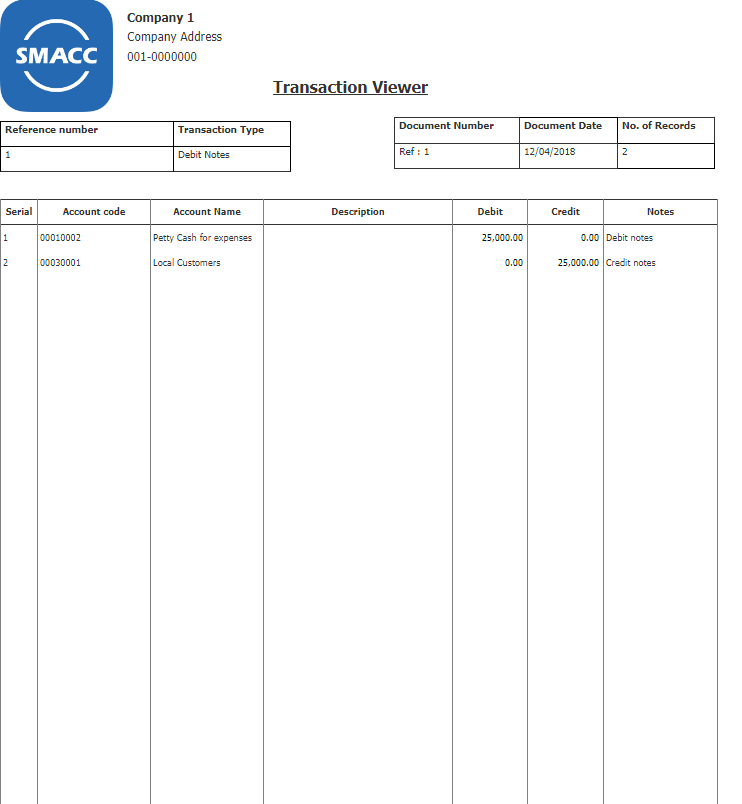
View Transaction Viewer Details
Click on the “Financial Accounting”, then “Transaction”, then click “Transaction Viewer”. Transaction Viewer page will be displayed.
Click on “View” button in transaction viewer page.
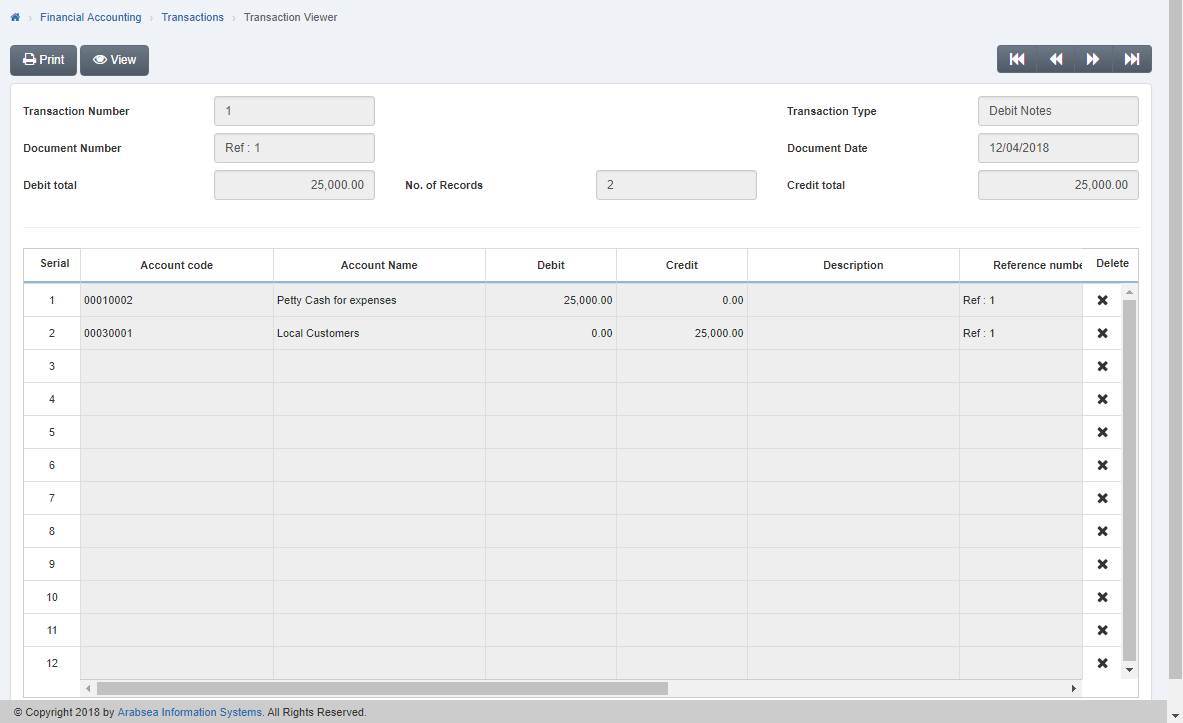 Enter transaction number in “Transaction Number” input box in transaction viewer page. (You can also select the required transaction viewer by using “Navigation “Button). The details of specific transaction viewer will be shown in the transaction viewer page.
Was this article helpful?
Start with SMACC today
Try free for 14 days — no credit card, no commitment.