
Budget Expenditure
In budgeting expenditure, you can view monthly and expenditure statement.
View Budgeting Expenditure Report
Click on the “Financial Accounting”, then “Budgeting”, then “Budgeting Expenditure”. Budgeting Expenditure Page will be displayed.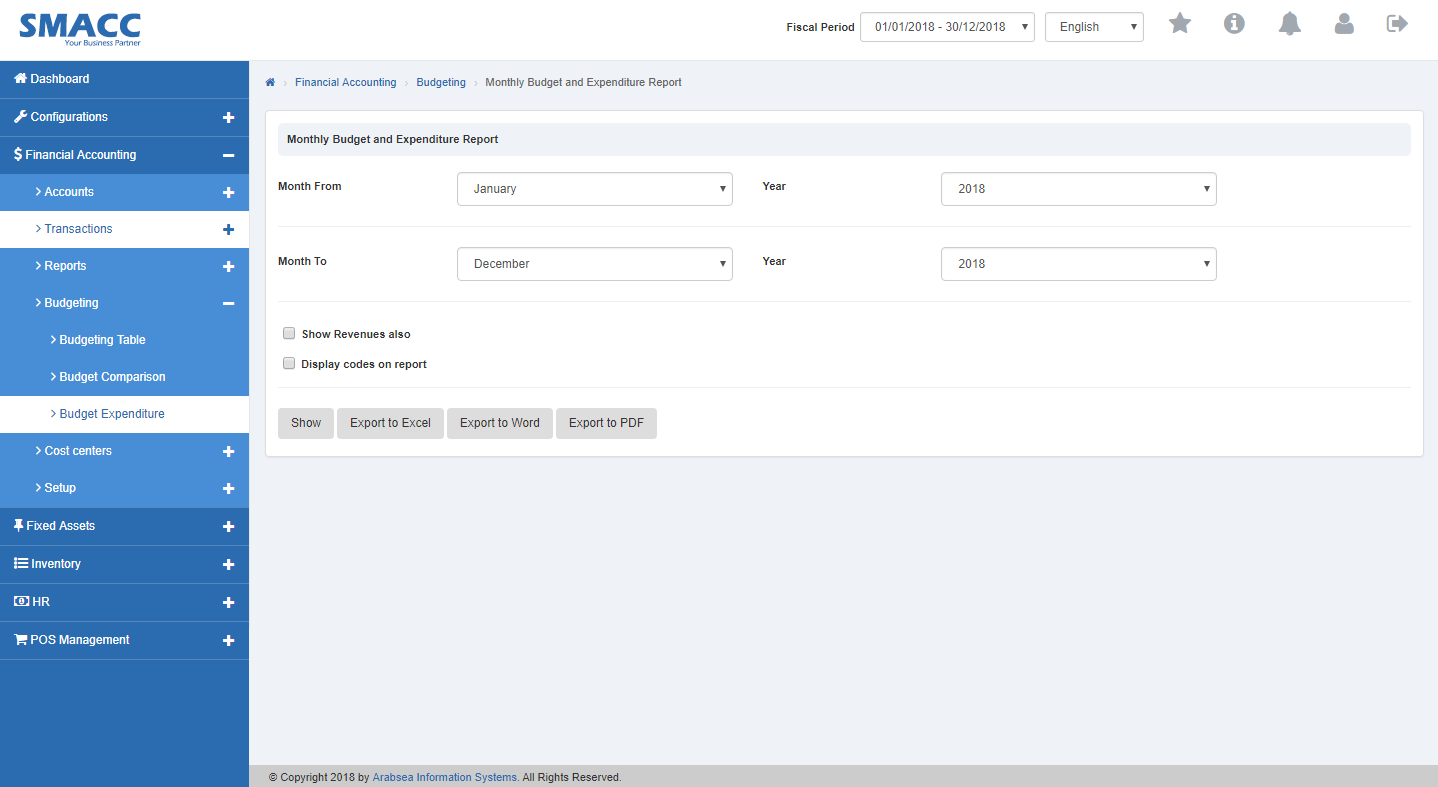 Click on “Month From” input box then month list will be drop down. Select your desired month. Click on “Year” input box then year list will be drop down. Select your desired year.
 Click on “Month to” input box then month list will be drop down. Select your desired month. Click on “Year” input box then year list will be drop down. Select your desired year.
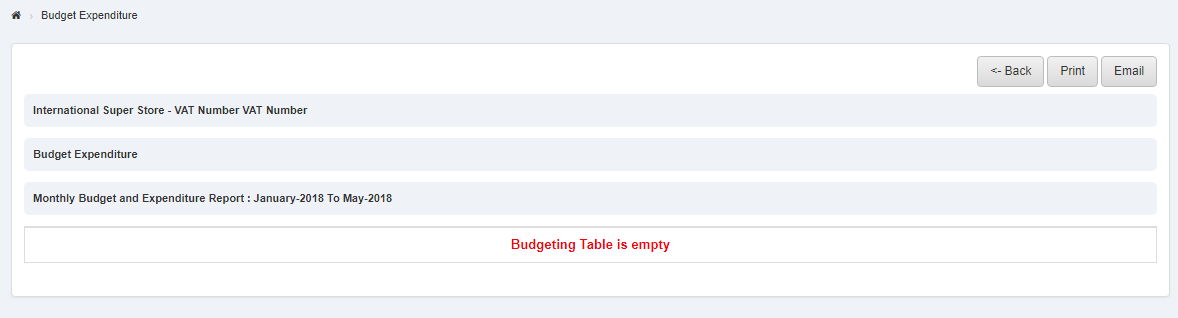
 Click “Show” button then it will display budgeting Expenditure.
Printing Budgeting Expenditure
Click on the “Financial Accounting”, then “Budgeting”, then “Budgeting Expenditure”. Budgeting Expenditure Page will be displayed.
Click on “Month From” input box then month list will be drop down. Select your desired month. Click on “Year” input box then year list will be drop down. Select your desired year.
Click on “Month to” input box then month list will be drop down. Select your desired month. Click on “Year” input box then year list will be drop down. Select your desired year.
Click “Show” button then it will display budgeting Expenditure.
To print the page then select your desired page and click on “Print” button on top of budgeting expenditure page then prompt box will be appeared.
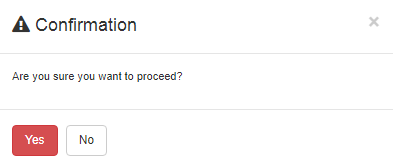 Click “Yes” button to print the information.
Export Budget Expenditure to Excel
Click on the “Financial Accounting”, then “Budgeting”, then “Budgeting Expenditure”. Budgeting Expenditure Page will be displayed.
Click on “Month From” input box then month list will be drop down. Select your desired month. Click on “Year” input box then year list will be drop down. Select your desired year.
Click on “Month to” input box then month list will be drop down. Select your desired month. Click on “Year” input box then year list will be drop down. Select your desired year.
Click “Show” button then it will display budgeting Expenditure.
Click “Export to Excel” button then it download budgeting expenditure in Excel format. Click in the massage box on the top corner of the page. it will display budgeting expenditure report in Excel format.

Export Budget Expenditure to Word.
Click on the “Financial Accounting”, then “Budgeting”, then “Budgeting Expenditure”. Budgeting Expenditure Page will be displayed.
Click on “Month From” input box then month list will be drop down. Select your desired month. Click on “Year” input box then year list will be drop down. Select your desired year.
Click on “Month to” input box then month list will be drop down. Select your desired month. Click on “Year” input box then year list will be drop down. Select your desired year.
Click “Show” button then it will display budgeting Expenditure.
Click "Export to Word” button then it download budgeting expenditure in Word format. Click in the massage box on the top corner of the page. it will display budgeting expenditure report in Word format.

Export Budget Expenditure to PDF.
Click on the “Financial Accounting”, then “Budgeting”, then “Budgeting Expenditure”. Budgeting Expenditure Page will be displayed.
Click on “Month From” input box then month list will be drop down. Select your desired month. Click on “Year” input box then year list will be drop down. Select your desired year.
Click on “Month to” input box then month list will be drop down. Select your desired month. Click on “Year” input box then year list will be drop down. Select your desired year.
Click “Show” button then it will display budgeting Expenditure.
Click “Export to PDF” button then it download budgeting expenditure in PDF format. Click in the massage box on the top corner of the page. it will display budgeting expenditure report in PDF format.

Was this article helpful?
Start with SMACC today
Try free for 14 days — no credit card, no commitment.