
Tax Categories
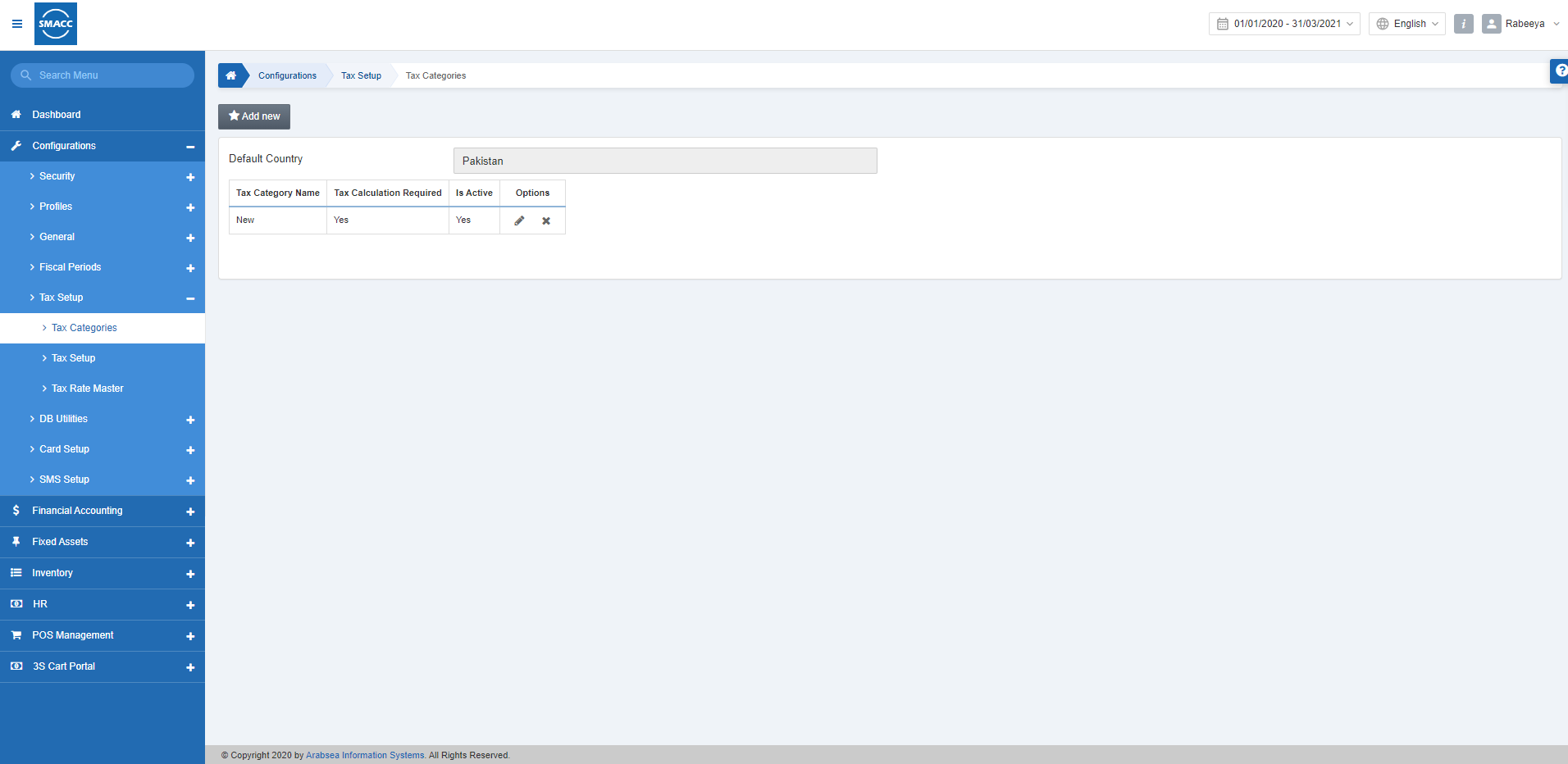
The tax categories define the real-time tax for the selected default country.
Adding a New Tax Category
To add a new tax category, go to Configurations > Tax Setup > Tax Categories, the tax categories page is displayed.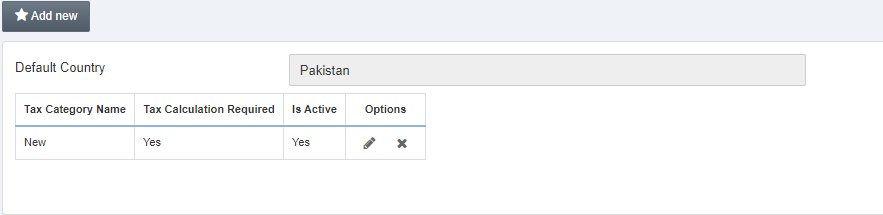 Click on the Add new button at the top of the page.
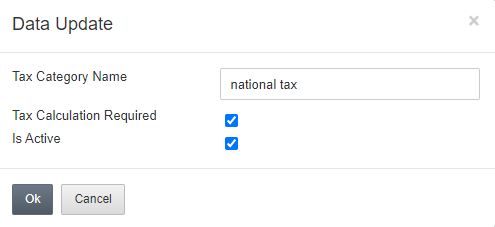
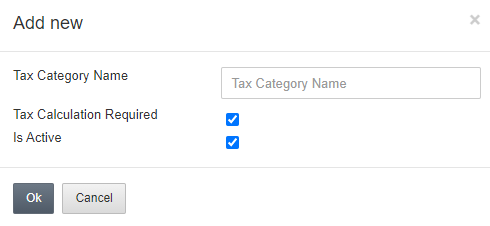 Tax Category Name: Enter the name of the tax category.
Tax Calculation Required: This checkbox allows the calculation of tax.
Is Active: This checkbox allows the active status of the tax category.
Click on the OK button to save the information.
Tax Category Name: Enter the name of the tax category.
Tax Calculation Required: This checkbox allows the calculation of tax.
Is Active: This checkbox allows the active status of the tax category.
Click on the OK button to save the information.
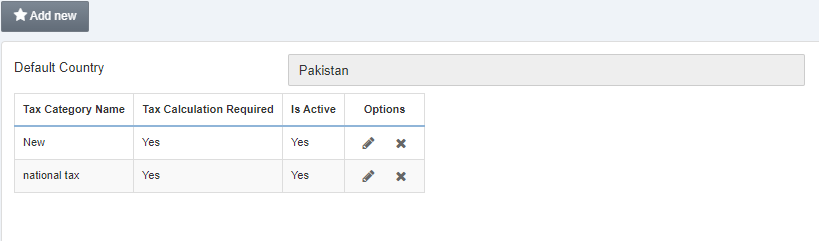
Editing/Updating a New Tax Category
To edit/update a new tax category, go to Configurations > Tax Setup > Tax Categories, the tax categories page is displayed.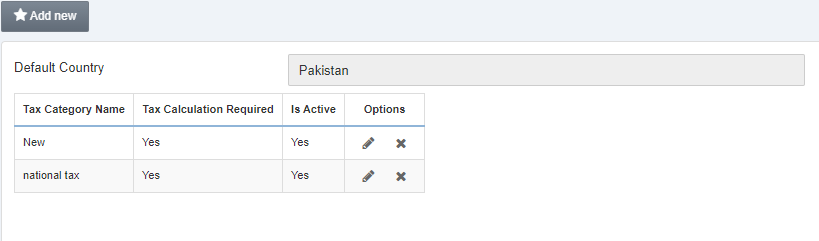
 Click on the Edit icon under the Options.
Deleting a Tax Category
To delete a tax category, go to Configurations > Tax Setup > Tax Categories, the tax categories page is displayed.
Click on the Delete icon under the Options.
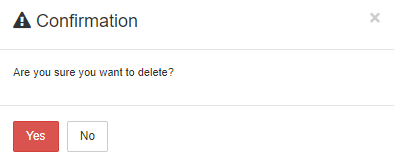 Click on the Yes button to confirm the deletion.
Was this article helpful?
Start with SMACC today
Try free for 14 days — no credit card, no commitment.