
Print Setup
In the print setup, you can define the settings for the printing of the field descriptions like receipts and payments, etc.
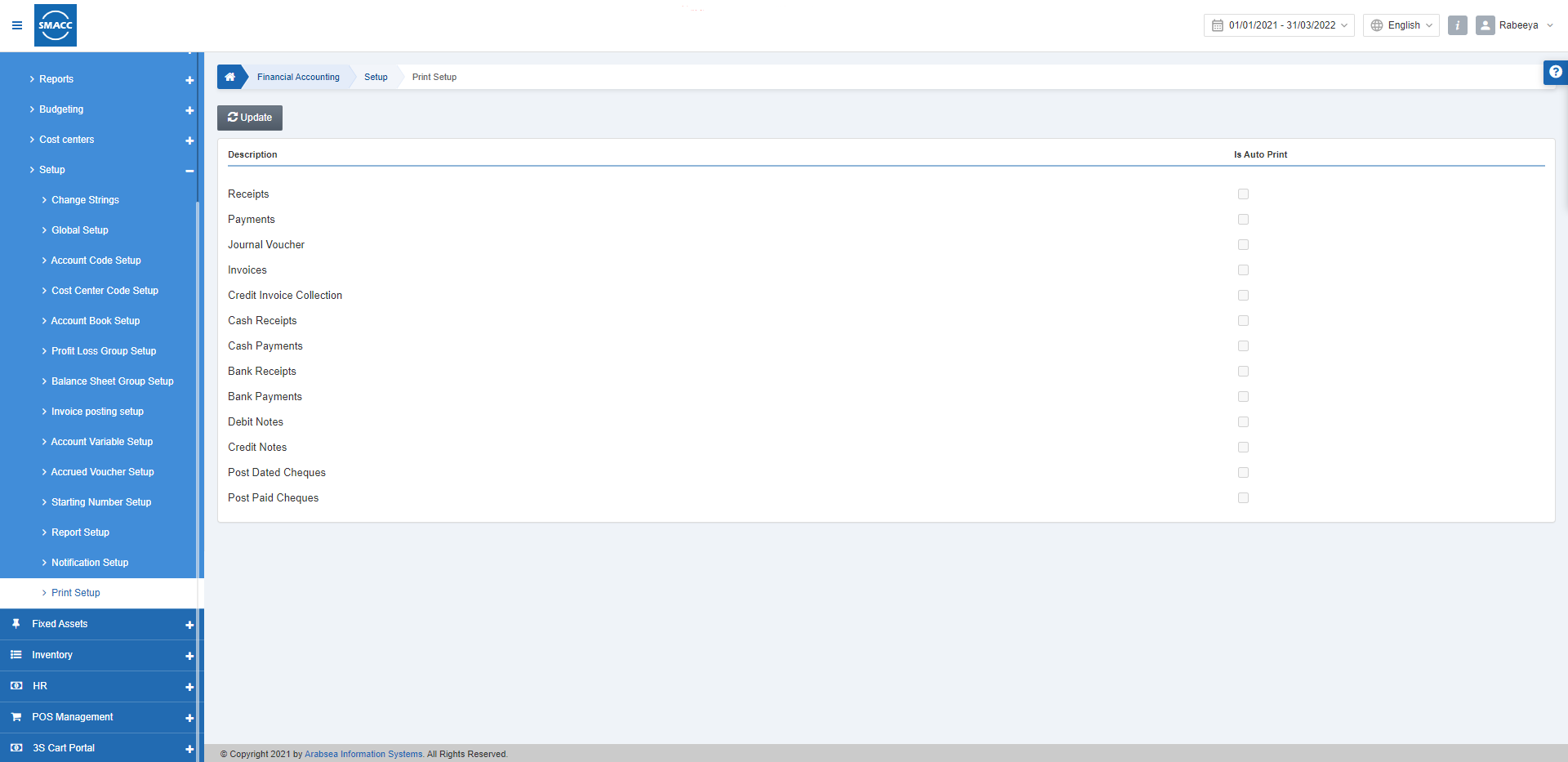
Updating the Print Setup
To set or update the print setup, go to Financial Accounting > Setup > Print Setup, the print setup page is displayed.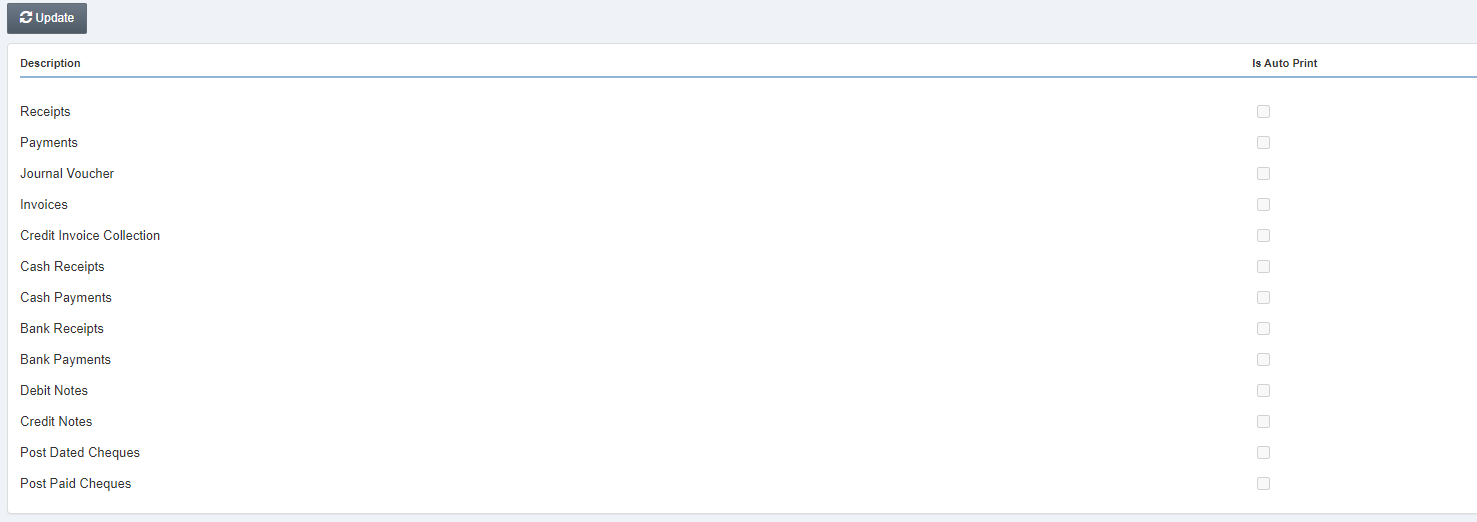 Click on the Update button at the top of the page.
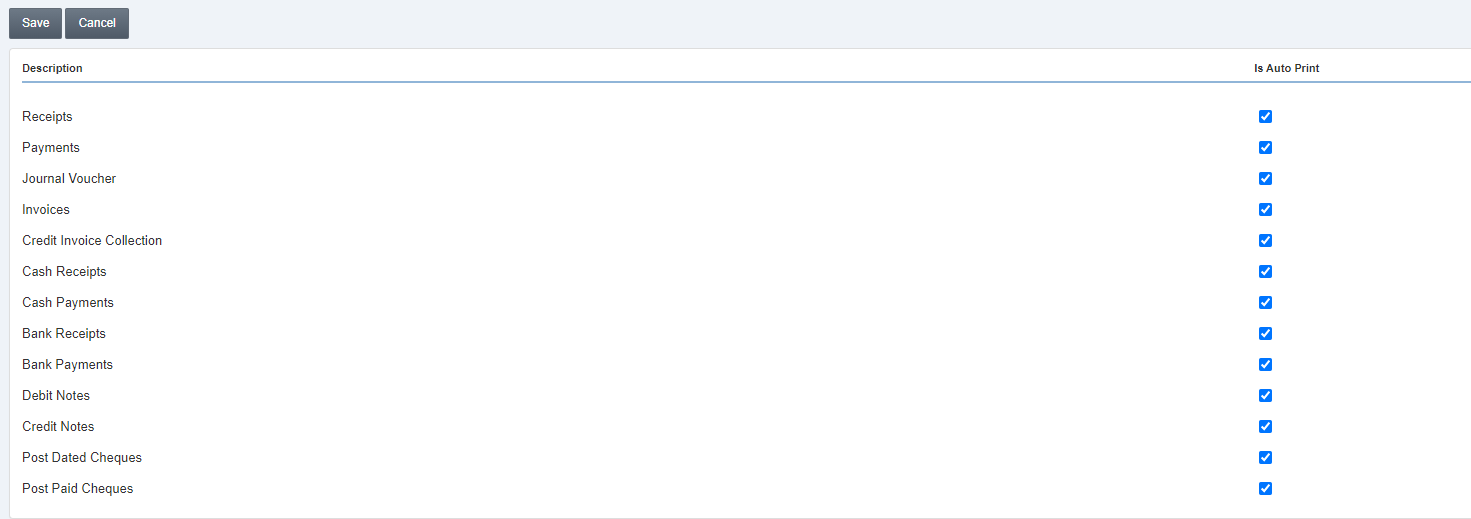 Note: This page allows the auto-printing of the given field descriptions.
Click on the Save button to save the information.

Was this article helpful?
Start with SMACC today
Try free for 14 days — no credit card, no commitment.