
Counter Listing
The counter listing allows the view of the report based on the warehouse code.
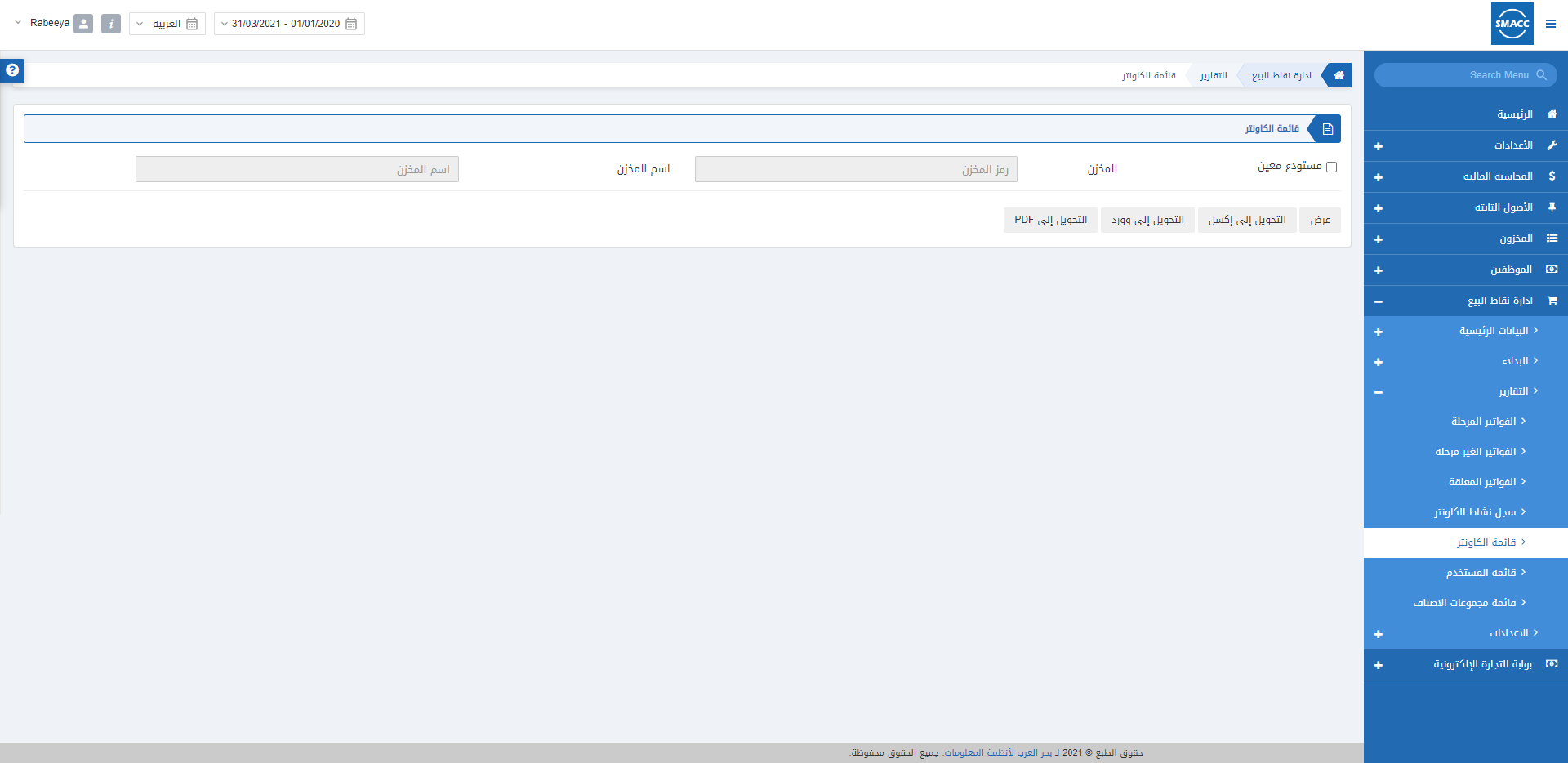
Viewing the Counter Listing
To view the Counter Listing, go to POS Management > Reports > Counter listing, the counter listing page is displayed. Particular Warehouse: This checkbox allows the selection of a particular warehouse.
Note: If the Particular Warehouse checkbox is unchecked it will show you the report of all the warehouses.
 Click on the Show button to view the report.
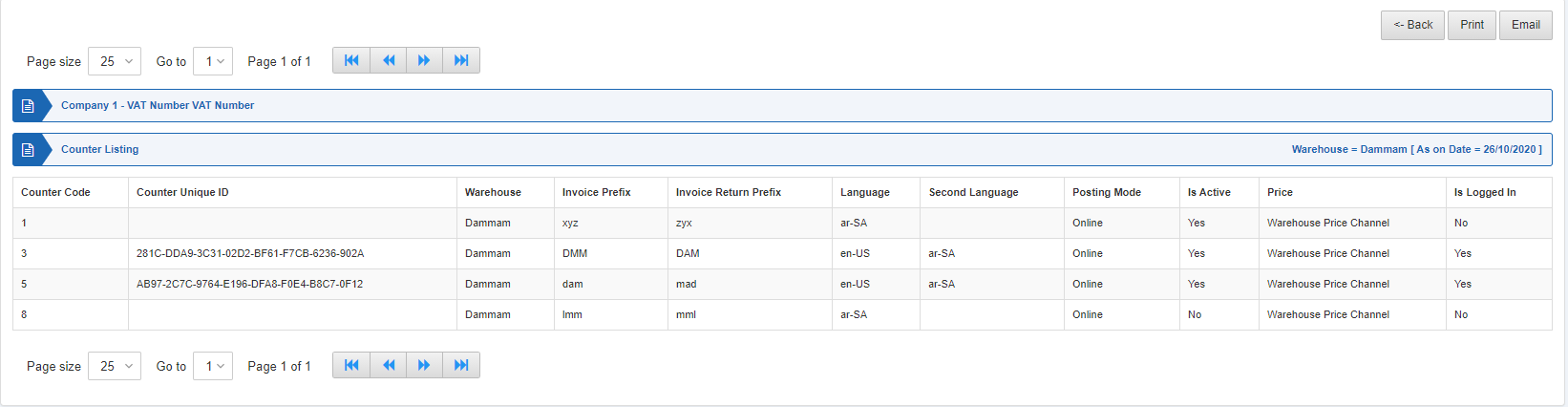 You can print or email the report as per your requirement.
Was this article helpful?
Start with SMACC today
Try free for 14 days — no credit card, no commitment.