
الطاولات
عند التعامل مع إدارة المطاعم، يمكنك إضافة الطاولات أو تعديلها أو حذفها في طابق من طوابق المطعم ضمن وحدة إدارة نقاط البيع.
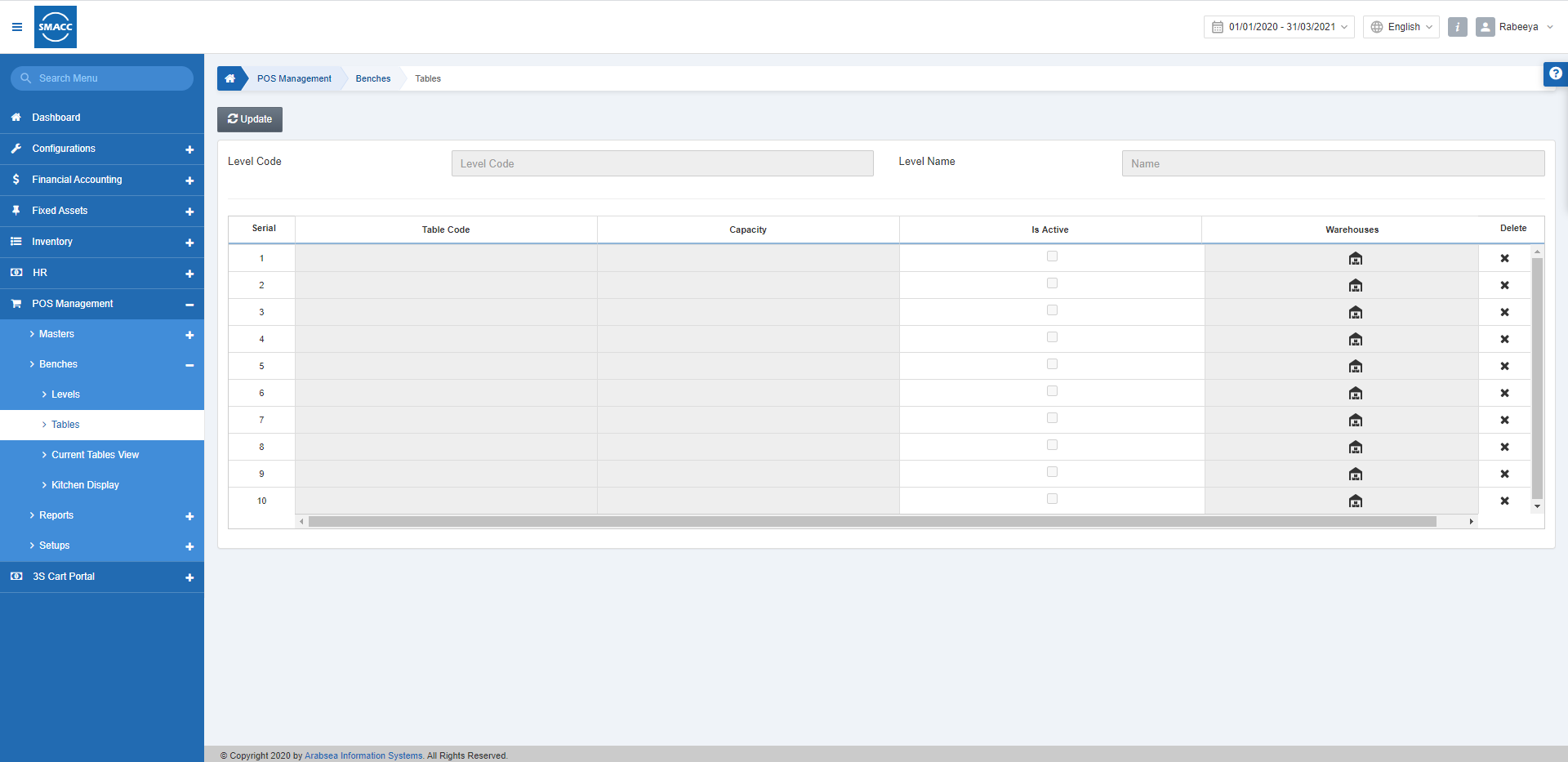
إضافة الطاولات إلى مستوى
لإضافة الطاولات، انتقل إلى إدارة نقاط البيع > المقاعد > الطاولات، فتظهر صفحة الطاولات.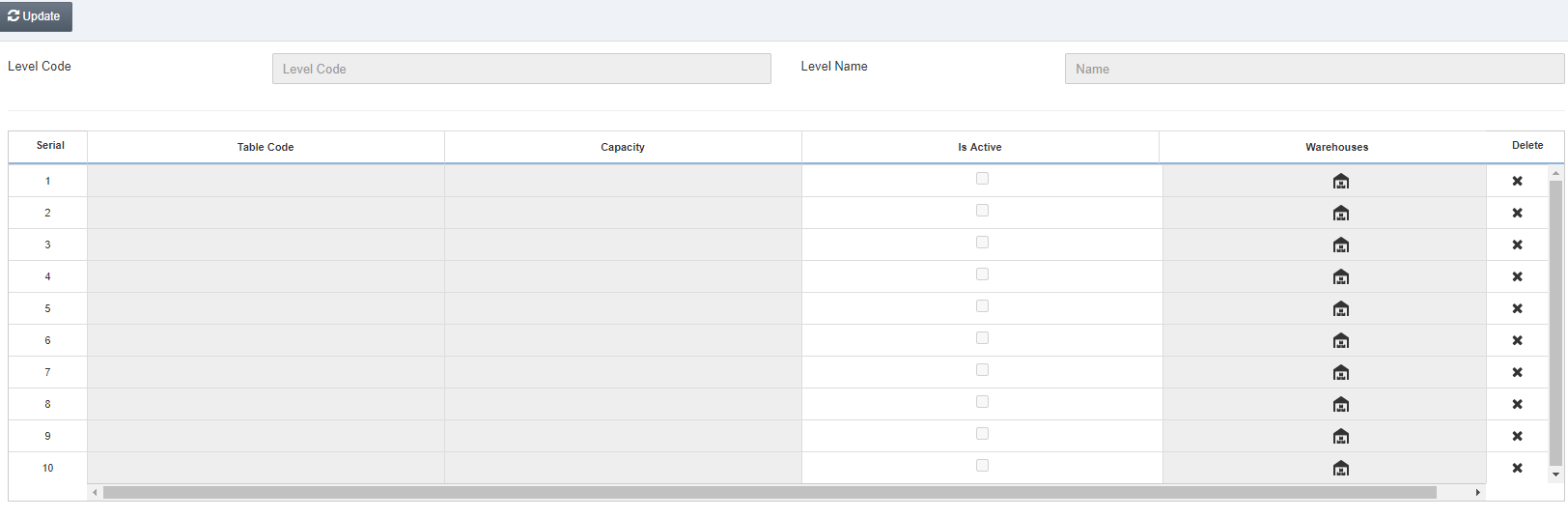 انقر على زر «تعديل».
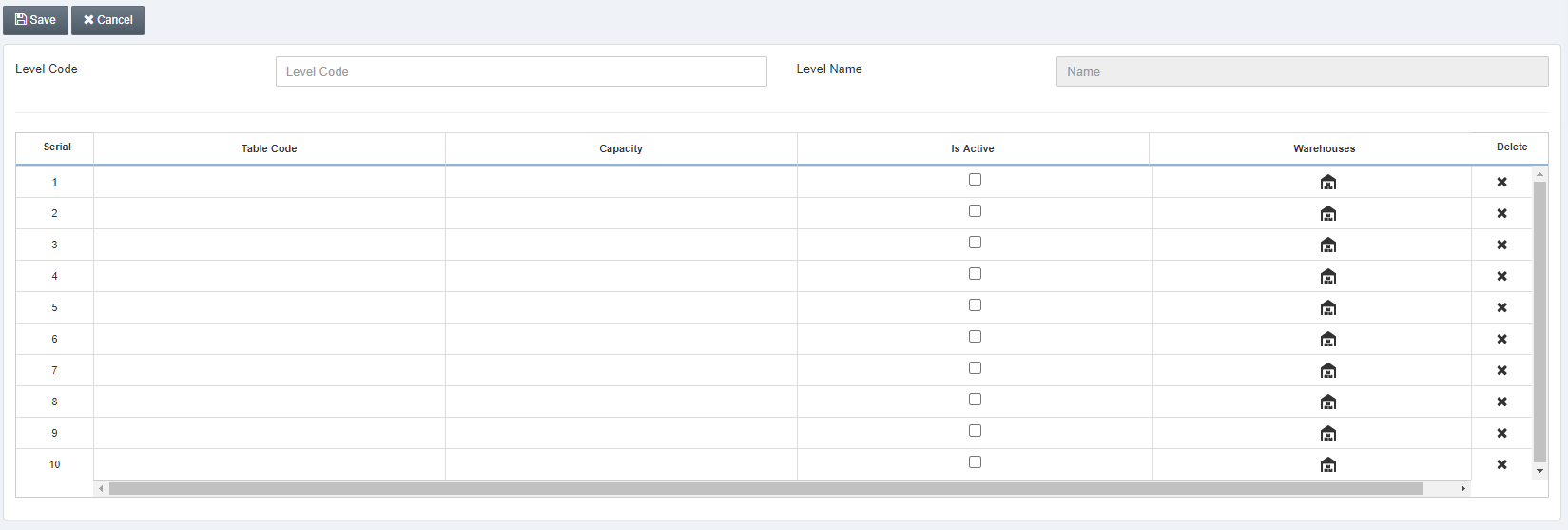 أدخِل «رمز المستوى» الذي تريد إعداد الطاولات فيه.
ملاحظة: تُدار الطاولات على مستوى كل طابق على حدة.
أدخِل «رمز المستوى» الذي تريد إعداد الطاولات فيه.
ملاحظة: تُدار الطاولات على مستوى كل طابق على حدة.
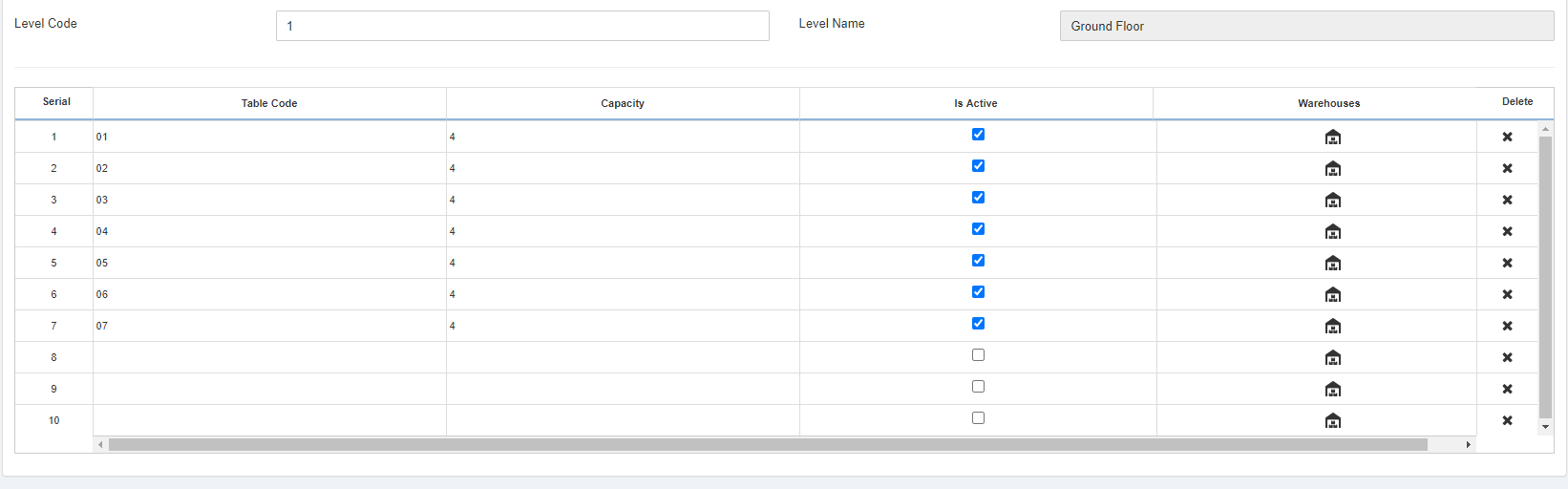 انقر على أيقونة «المنزل» أسفل «المستودع» في كل صف لإضافة المستودع. وهذا حقل إلزامي يجب من خلاله إضافة مستودع.
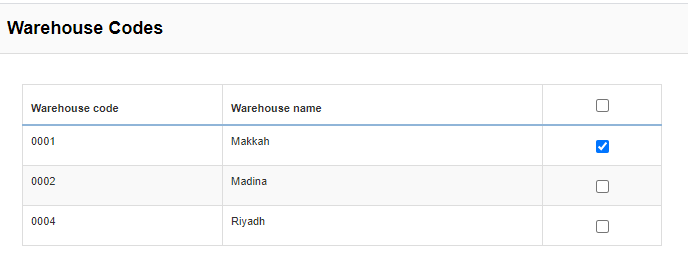 ملاحظة: لكل طاولة رمز وسعة. وإذا كان مربع «نشِط» محدداً، فإن الطاولة تكون متاحة لطلبات «تناول الطعام في المطعم». كما أن تحديد «المستودع» إلزامي لكل طاولة.
حذف الطاولات من مستوى
انقر على أيقونة «X» أسفل «حذف» لحذف الطاولة من مستوى معيّن، ثم انقر على «حفظ».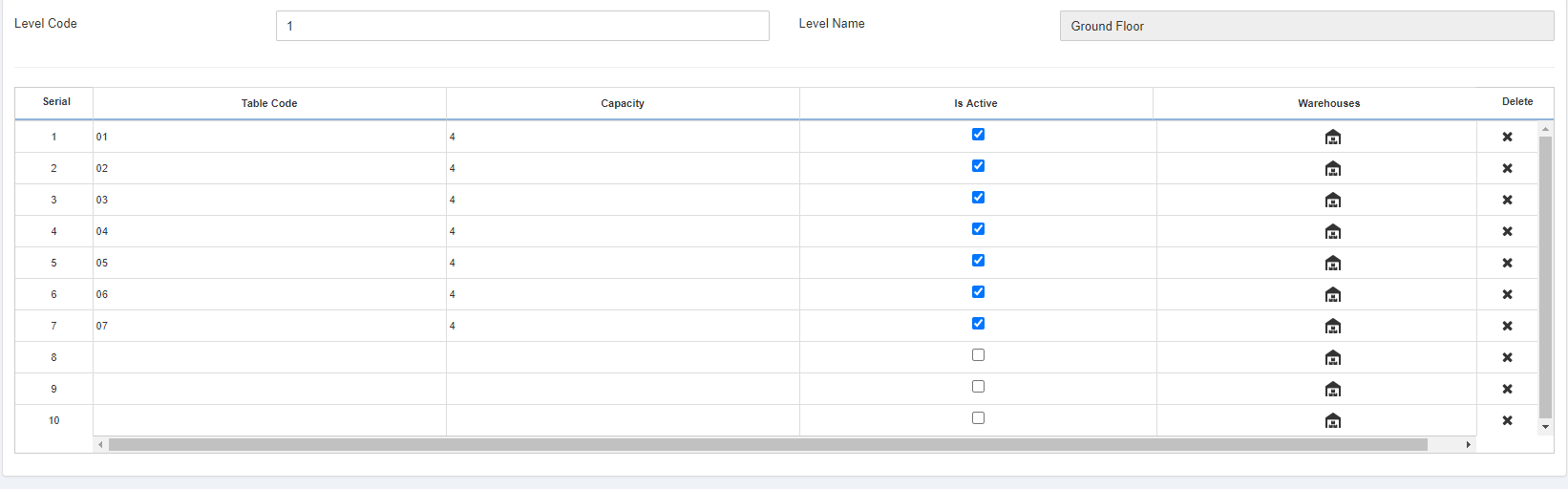 بهذه الطريقة يمكنك إدارة الطاولات في كل طابق، وهو ما يساعدك على إدارة المطعم بشكل تفصيلي.
هل كان هذا المقال مفيداً؟
ابدأ مع SMACC اليوم
جرّب مجاناً لمدة 14 يوماً — بدون بطاقة ائتمان وبدون التزام.