
States/Provinces
In States/Provinces, you can set states or provinces against your desired country of the company.
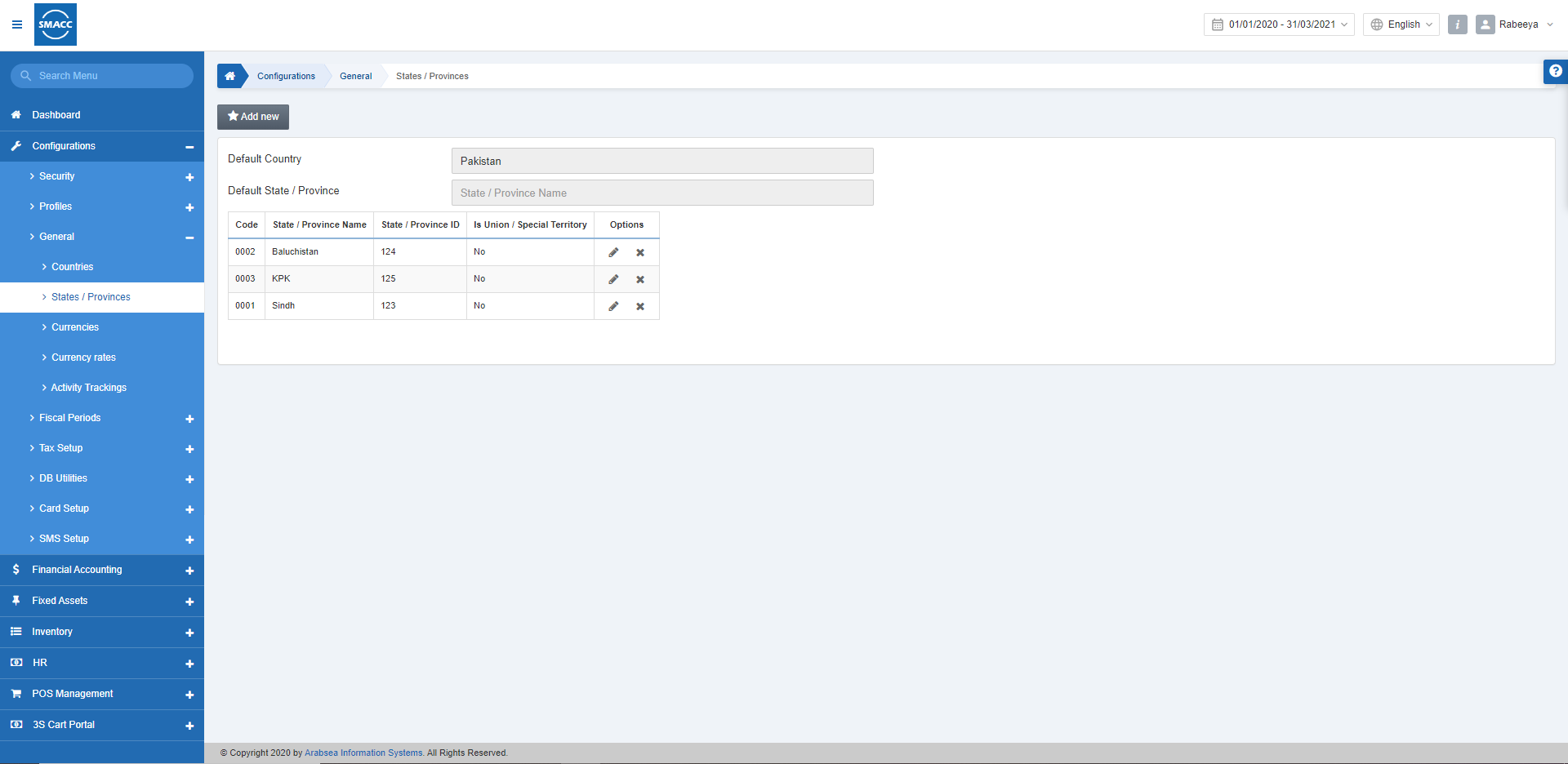
Setting States/ Provinces
To set the states or provinces, go to Configurations > General > States/Provinces, the States/Provinces page is displayed.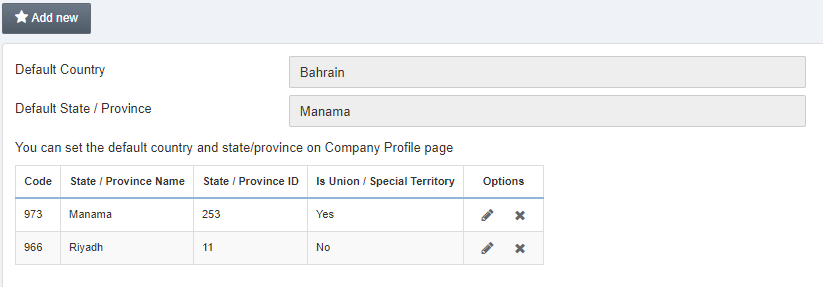 Click on the Add New button.
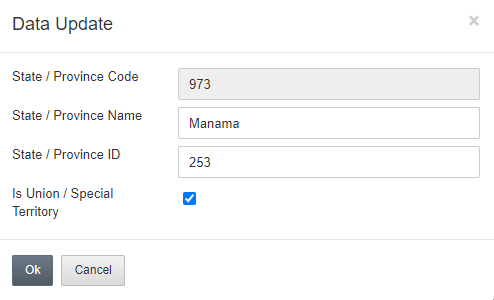
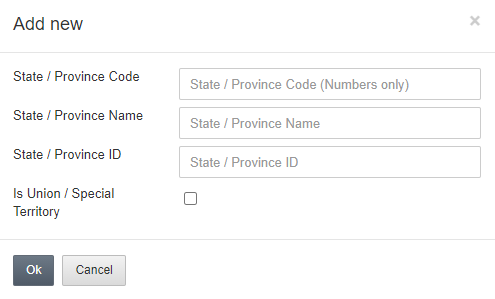 Please enter the State / Province Code in the input field of the State/Province Code.
Enter the State / Province Name in the input field of State / Province Name.
Enter the State/Province ID in the input field of the State / Province ID.
Also, check the Is Union / Special Territory checkbox to ensure that the region is a special territory.
Please enter the State / Province Code in the input field of the State/Province Code.
Enter the State / Province Name in the input field of State / Province Name.
Enter the State/Province ID in the input field of the State / Province ID.
Also, check the Is Union / Special Territory checkbox to ensure that the region is a special territory.
Updating States/ Provinces
To update the states or provinces, go to Configurations > General >States/Provinces, the States/Provinces page is displayed.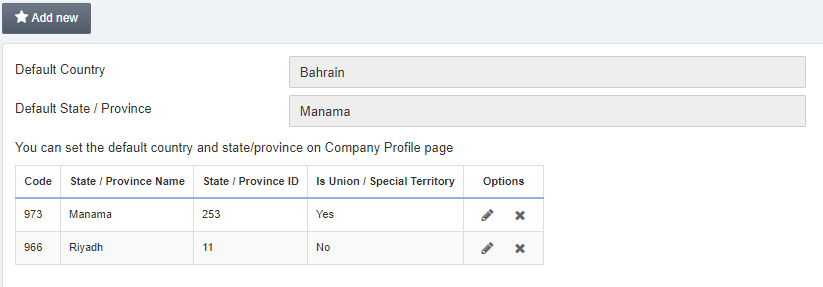 Click on the Edit icon in the grid against the state/province name.
Deleting States/ Provinces
To delete the states or provinces, go to Configurations > General >States/Provinces, the States/Provinces page is displayed.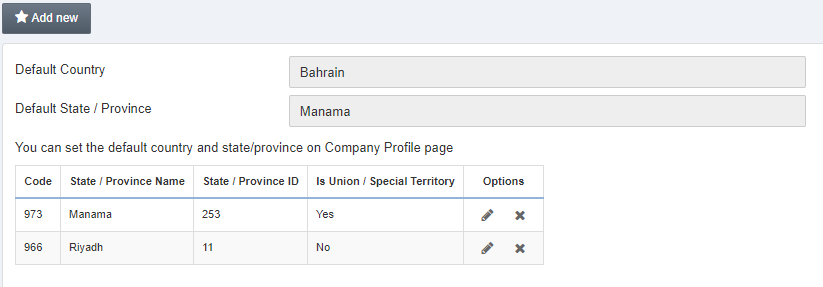 Click on the Delete icon in the grid against the state/province name.
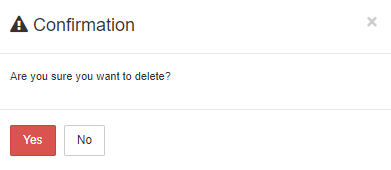 Click on Yes to confirm the deletion.
Was this article helpful?
Start with SMACC today
Try free for 14 days — no credit card, no commitment.