
Password
In the Password, you can change the user password of SMACC.
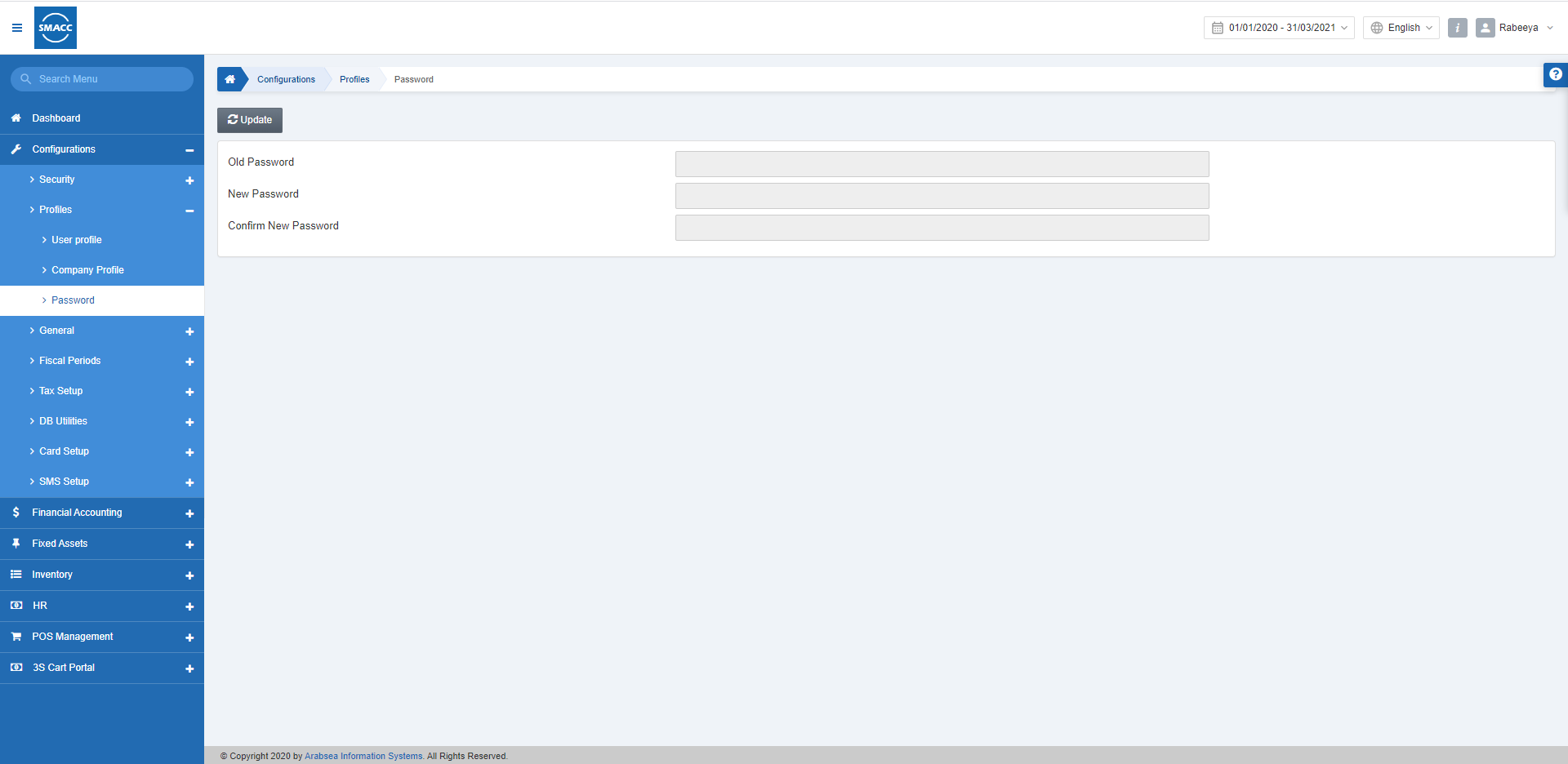
Changing the User Password
To change the Password of the user, go to Configurations > Profiles > Password, the Password page is displayed. Click on the Update button.
 Enter the old password in the Old Password input box, then enter the new password in the New Password input box, then enter the new password in Confirm New Password to confirm its accuracy.
Click the Save button to save the information.
Enter the old password in the Old Password input box, then enter the new password in the New Password input box, then enter the new password in Confirm New Password to confirm its accuracy.
Click the Save button to save the information.
Was this article helpful?
Start with SMACC today
Try free for 14 days — no credit card, no commitment.