
SMS Provider
The SMS provider includes all the settings of the SMS provider services.
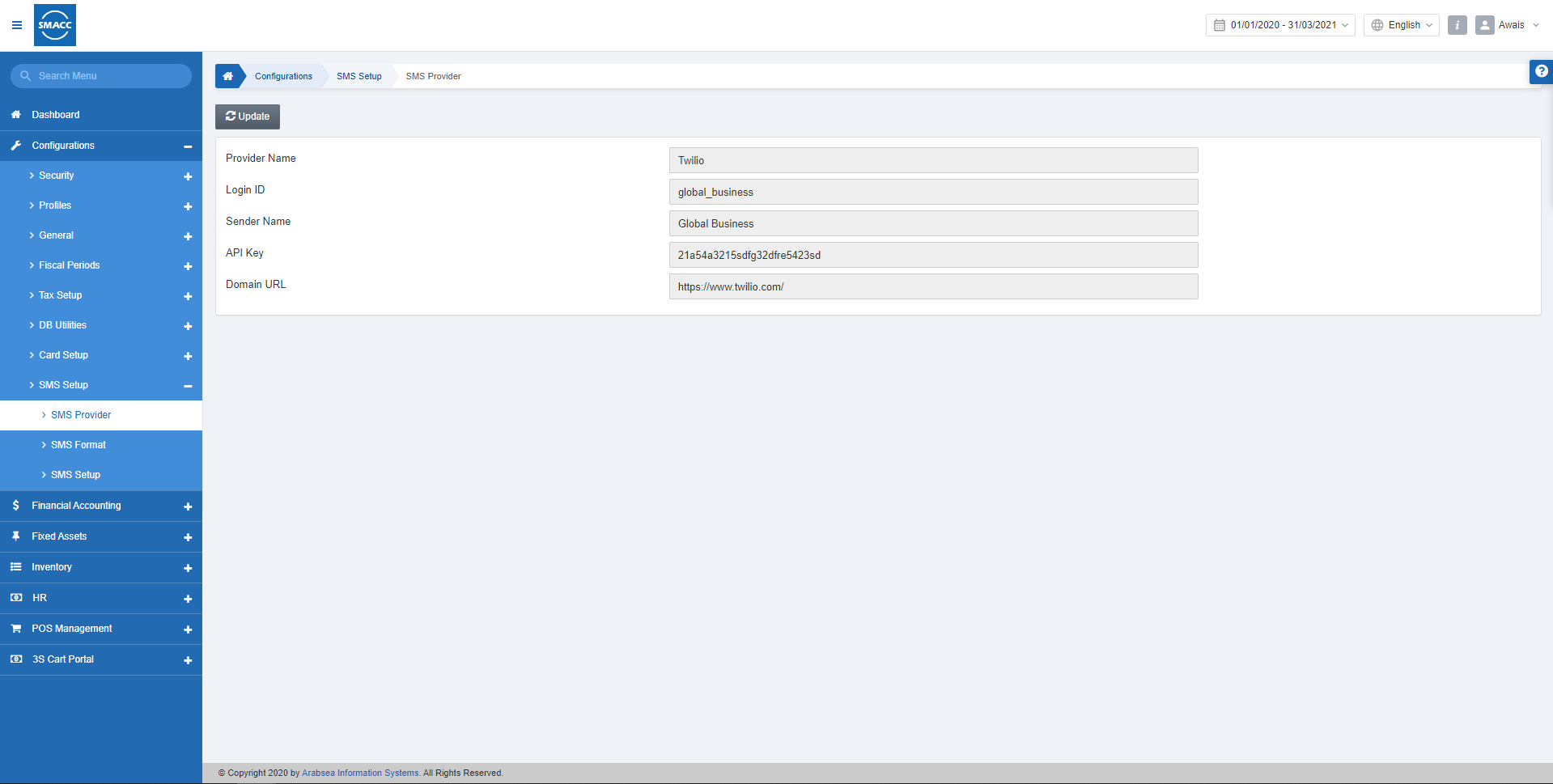
Updating the SMS Provider Settings
To update the SMS provider settings, go to Configurations > SMS Setup > SMS Provider, the SMS Provider page is displayed.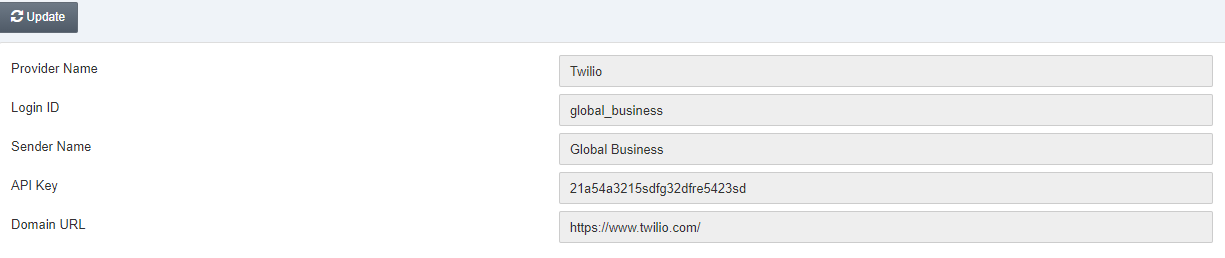 Provider Name: This field sets the name of the provider of the SMS service.
Login ID: This field sets the Login ID for SMS.
Sender Name: This field sets the sender or your company’s name.
API Key: This field sets the API key.
Domain URL: This URL is regarding the SMS provider service URL.
Click on the Update button and edit the information as per your company’s requirements.
Provider Name: This field sets the name of the provider of the SMS service.
Login ID: This field sets the Login ID for SMS.
Sender Name: This field sets the sender or your company’s name.
API Key: This field sets the API key.
Domain URL: This URL is regarding the SMS provider service URL.
Click on the Update button and edit the information as per your company’s requirements.
Was this article helpful?
Start with SMACC today
Try free for 14 days — no credit card, no commitment.