
Purchase Returns
In purchase returns, you can add new, update, delete, and print purchase returns. You can add new entries and delete the entries in purchase returns.
Adding new Purchase Return in Inventory.
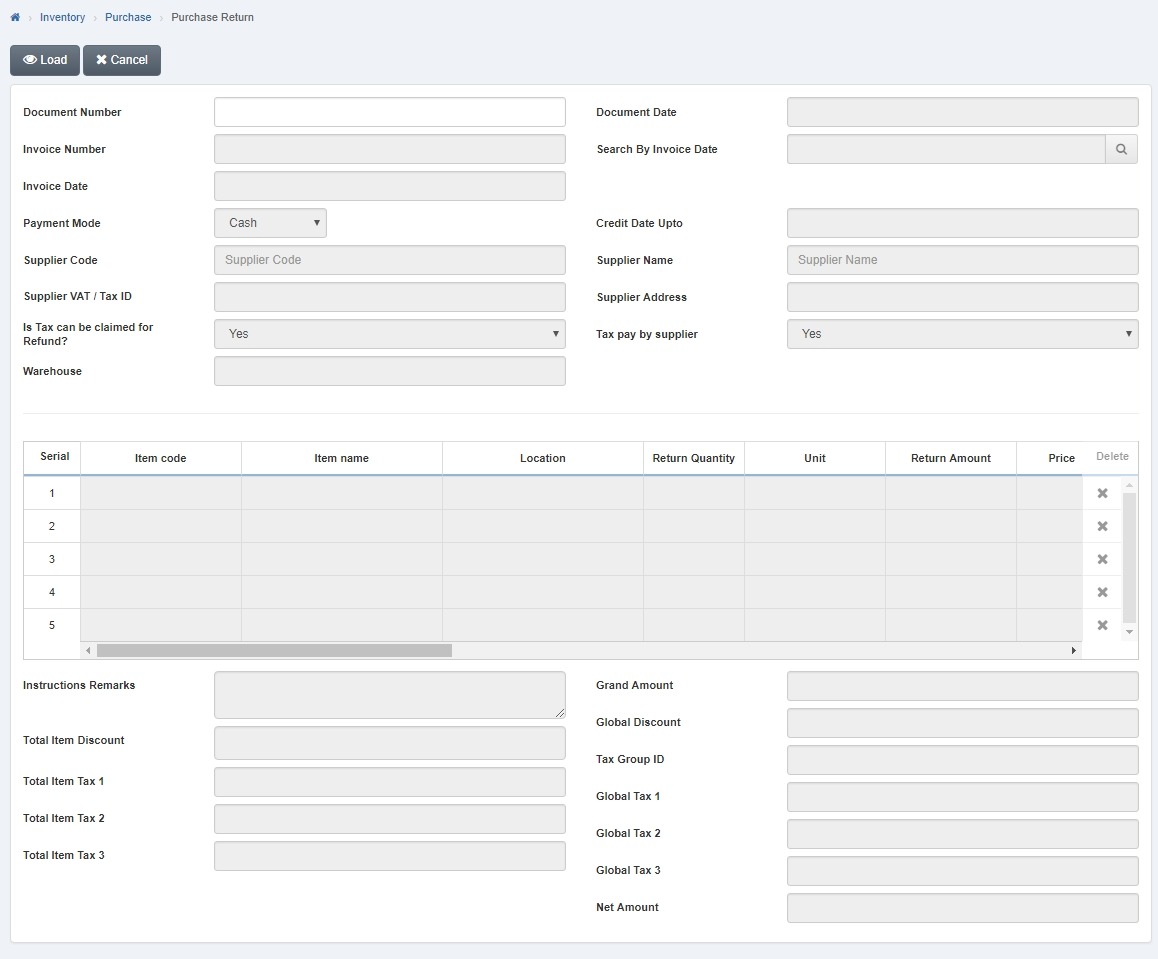
To add new “ Purchase Return” in “Inventory”, click on the “Inventory”, then “Purchase”, then click “Purchase Return”. Purchase Return page will be displayed.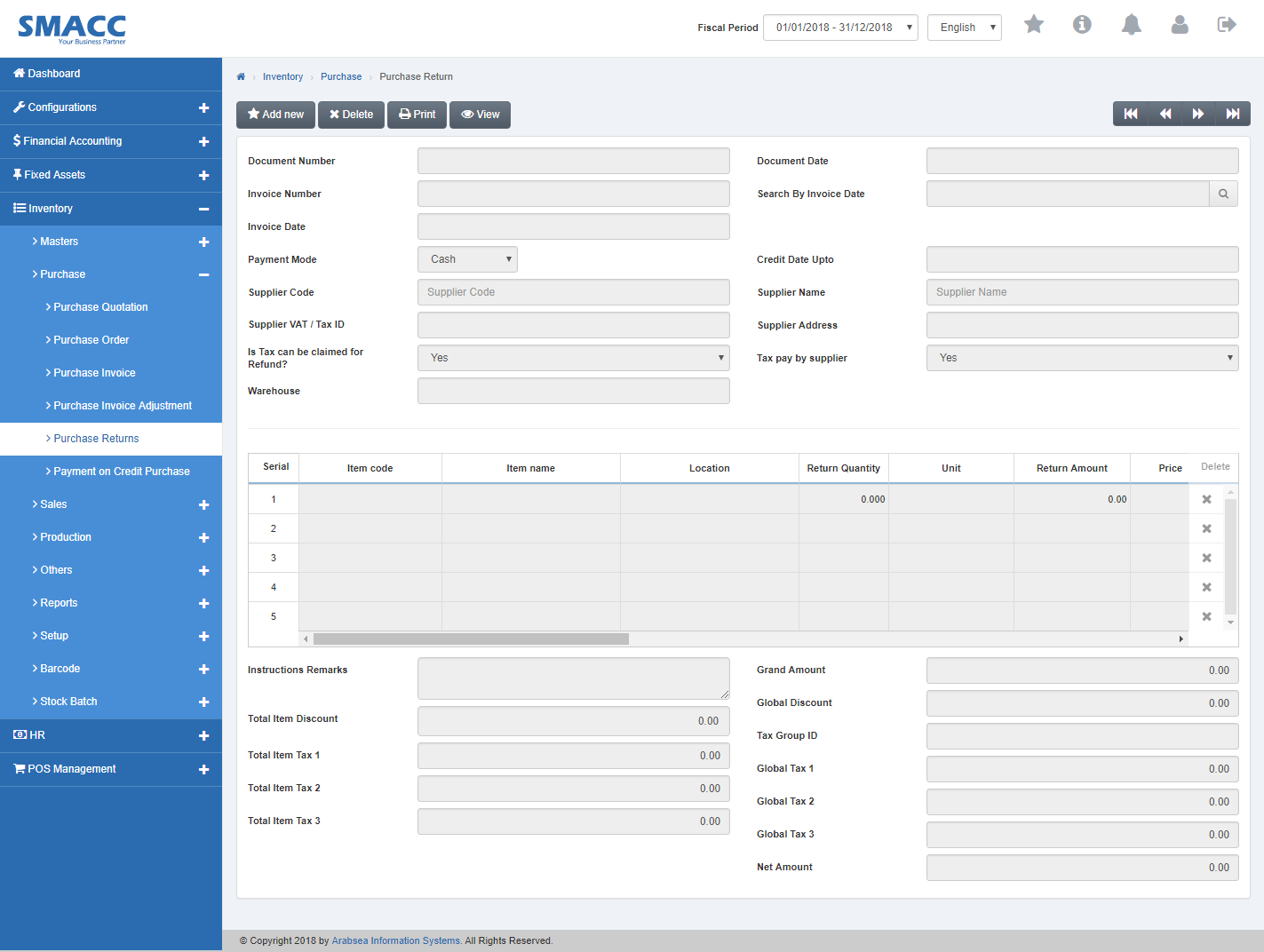 Click the “Add new“ button on the top of Purchase Return page.
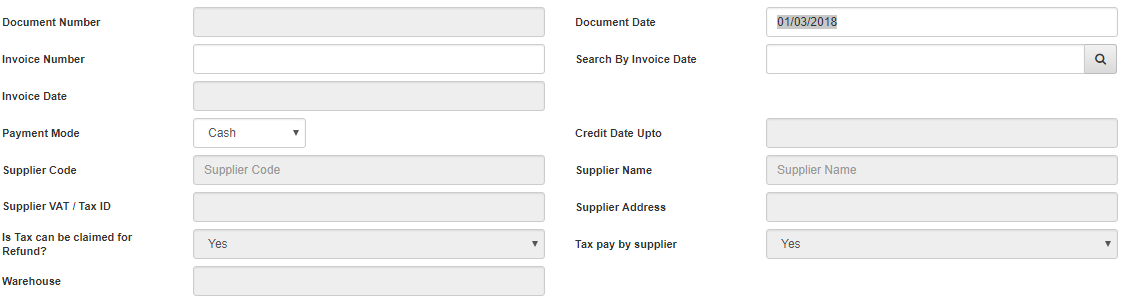
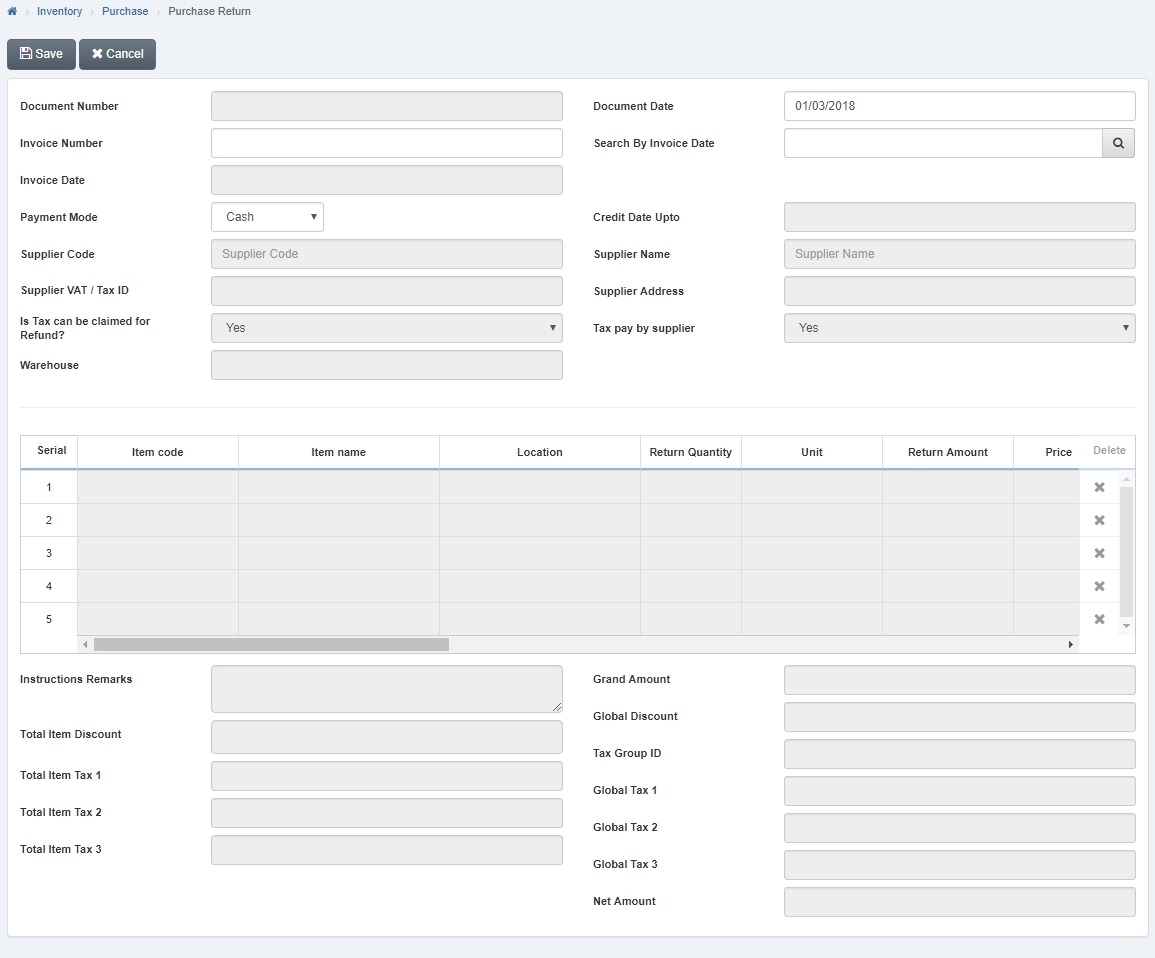 Enter date in “Document Date” input box. Enter invoice number in “Invoice Number” input box then entered invoice details will be displayed in the grid. Select payment mode by clicking in “Payment Mode” list box then payment mode list will be drop down. Select your desired payment model.
 Purchase Return details of selected item will be displayed in the grid on Purchase Return page.
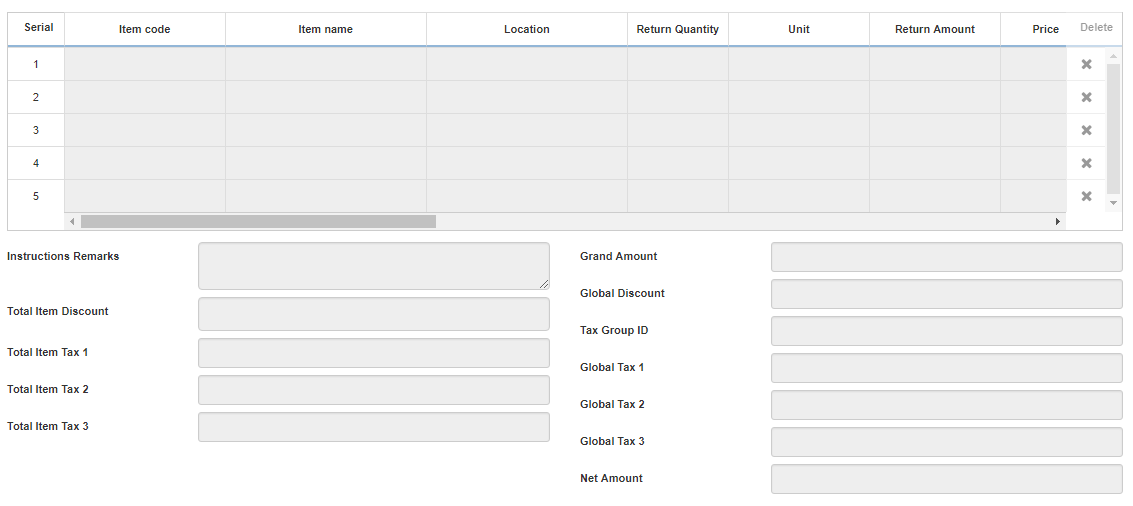 Enter return quantity in column” Return Quantity” input box.
Click “Save” button to save the information.
Deleting Purchase Return in Inventory.
To delete “Purchase Return” in “Inventory”, click on the “Inventory”, then “Purchase”, then click “Purchase Return”. Purchase Return page will be displayed.
Select Purchase Return by navigation bar or click the “Delete” button on the top of Purchase Return page. Enter Document number in “Document Number” input box then click “Load” button.
 A prompt box will be appeared.
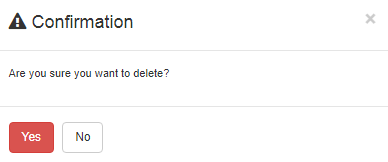 Click “Yes” button to delete the Purchase Return.
Print Purchase Return in Inventory.
To print “Purchase Return” in “Inventory”, click on the “Inventory”, then “Purchase”, then click “Purchase Return”. Purchase Return page will be displayed.
Select Purchase Return by navigation bar or click the “Delete” button on the top of Purchase Return page. Enter Document number in “Document Number” input box then click “Load” button.
A prompt box will be appeared.
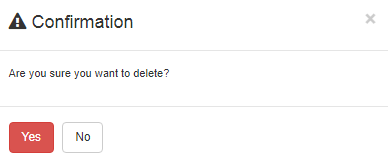 Click “Yes” button to delete the Purchase Return.
Was this article helpful?
Start with SMACC today
Try free for 14 days — no credit card, no commitment.