
Production Wastes
The production wastes page includes the details of the wastes left while manufacturing a process. All the pages of this module are interlinked and can be accessed by the buttons at the bottom of the page.
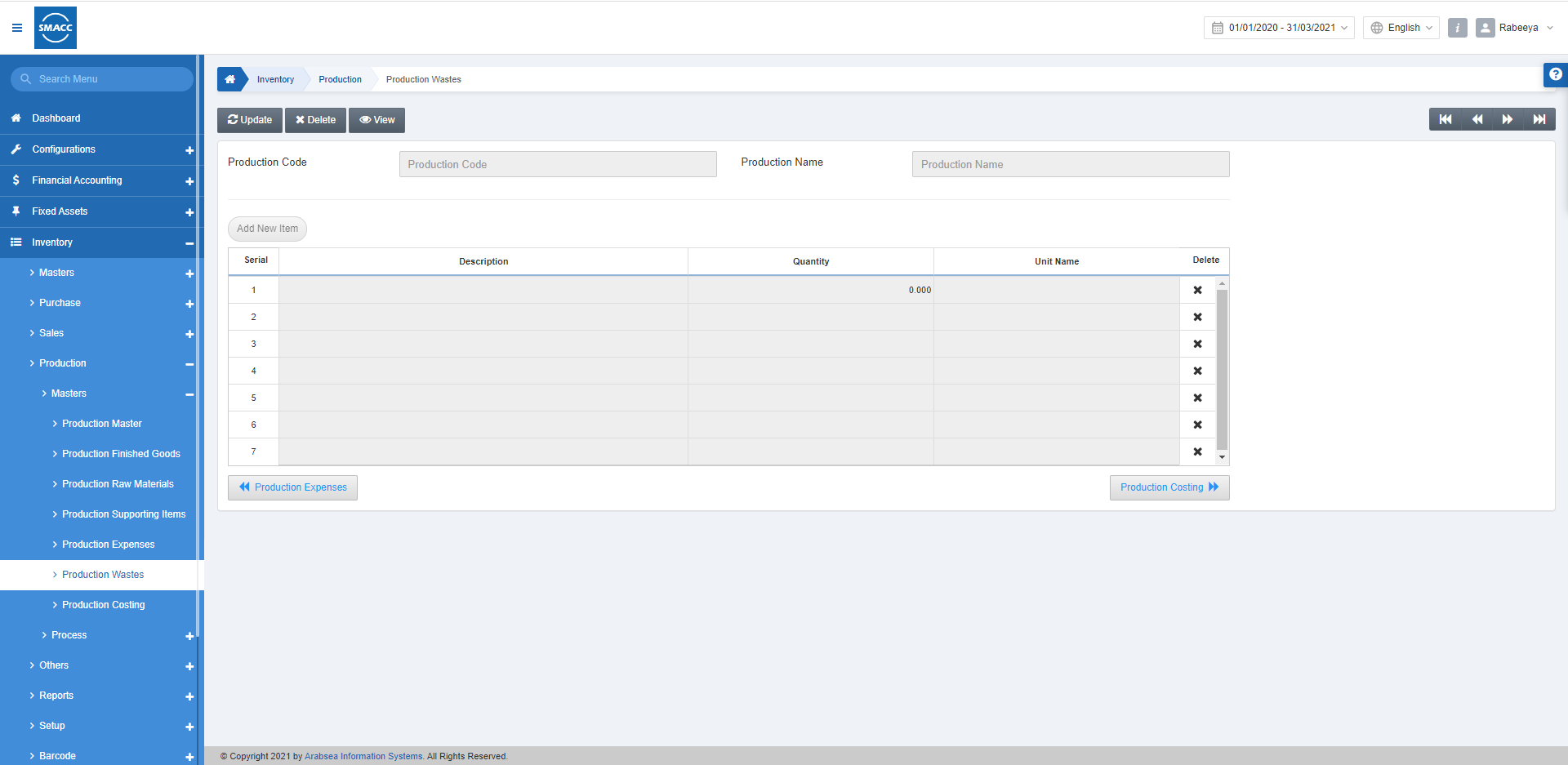
Updating Production Wastes
To update the Production Wastes, go to Inventory > Production > Master > Production Wastes, the production wastes page is displayed.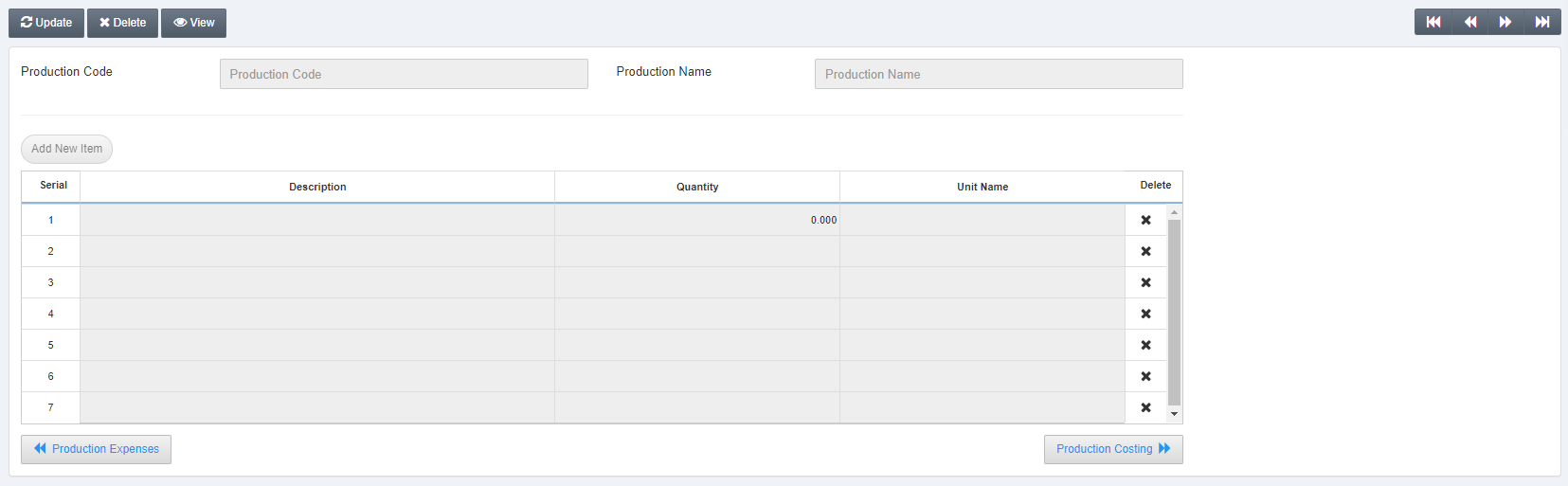 Click on the Update button and enter the Production Code.
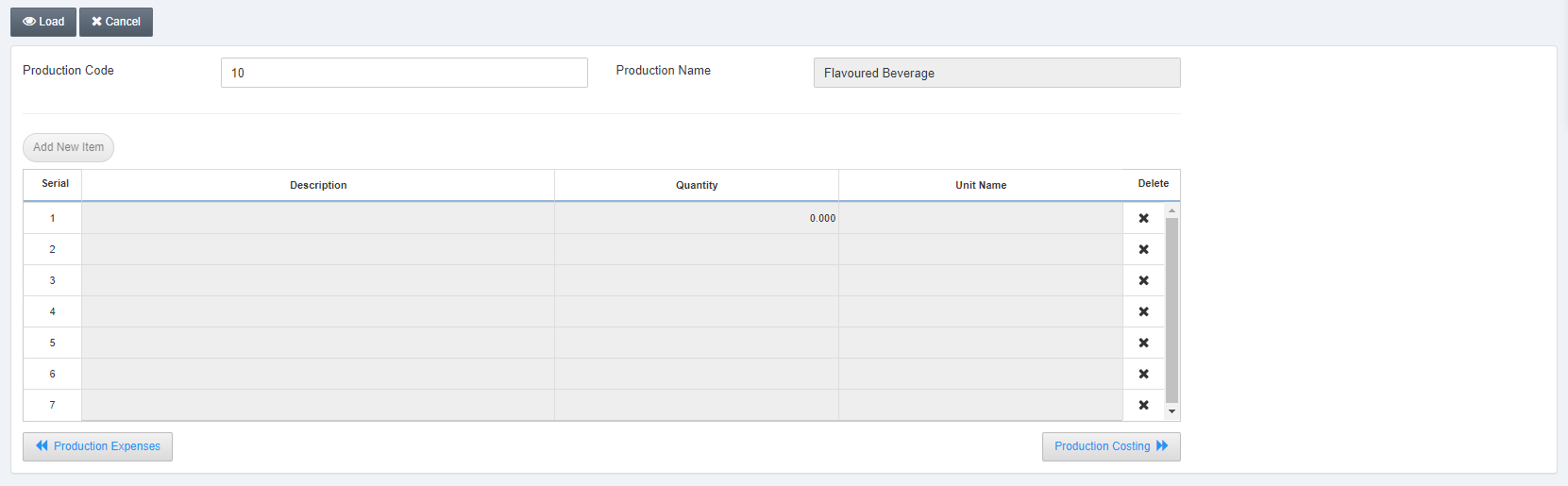 Click on the Load button at the top of the page to fetch the information.
 Click on the Add New Item button.
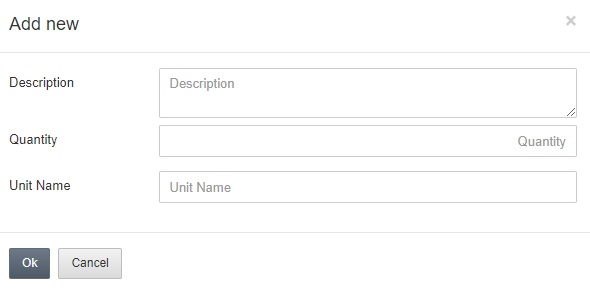 Description: This field sets the detail of the expense.
Quantity: This field sets the number of items.
Unit Name: Enter the unit name.
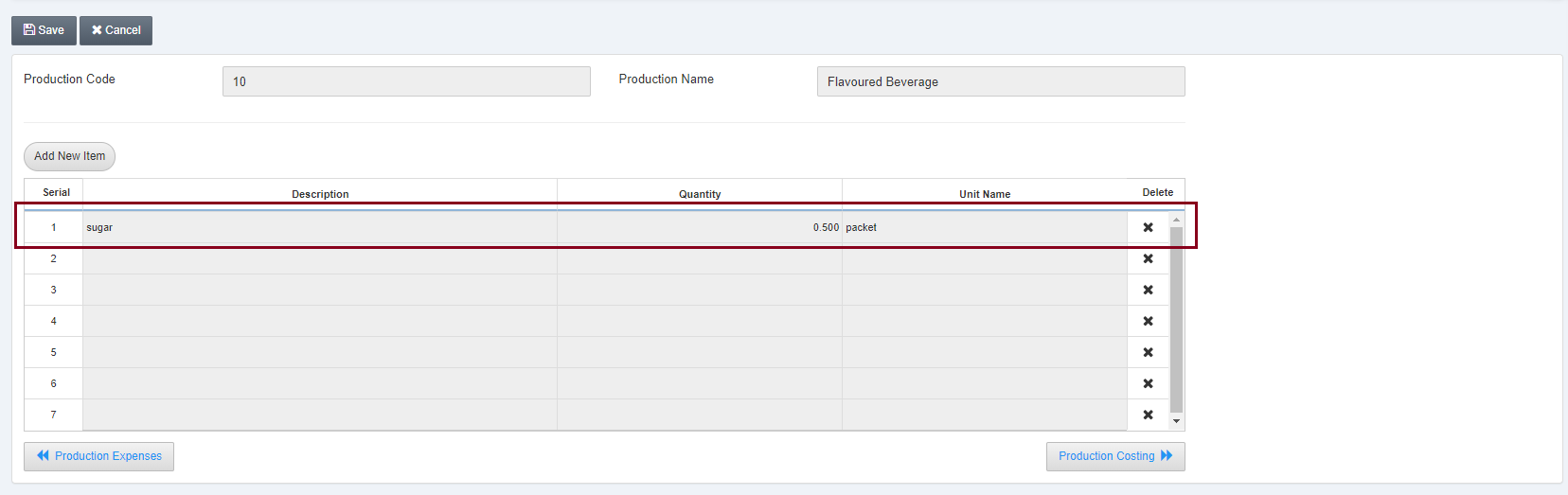 Click on the Save button at the top of the page.
Deleting Production Wastes
To delete the Production Wastes, go to Inventory > Production > Master > Production Wastes, the production wastes page is displayed.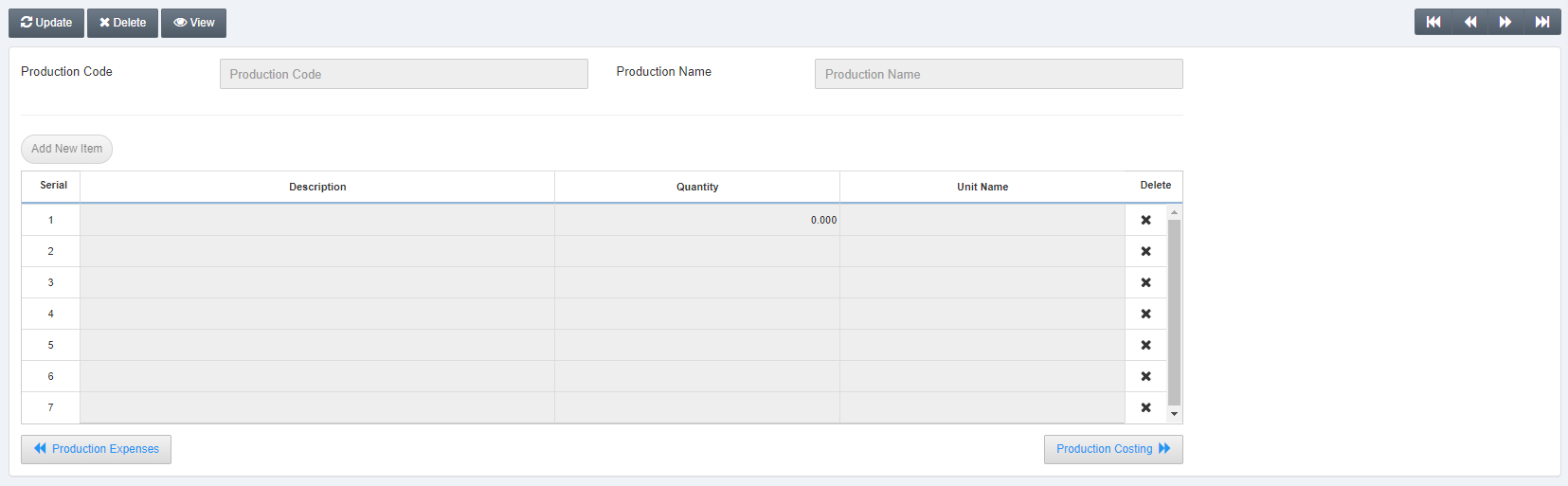 Click on the Delete button and enter the Production Code.
Click on the Load button.
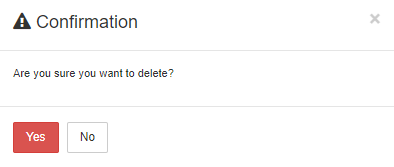 Click on the Yes button to confirm the deletion.
Was this article helpful?
Start with SMACC today
Try free for 14 days — no credit card, no commitment.